Introduction
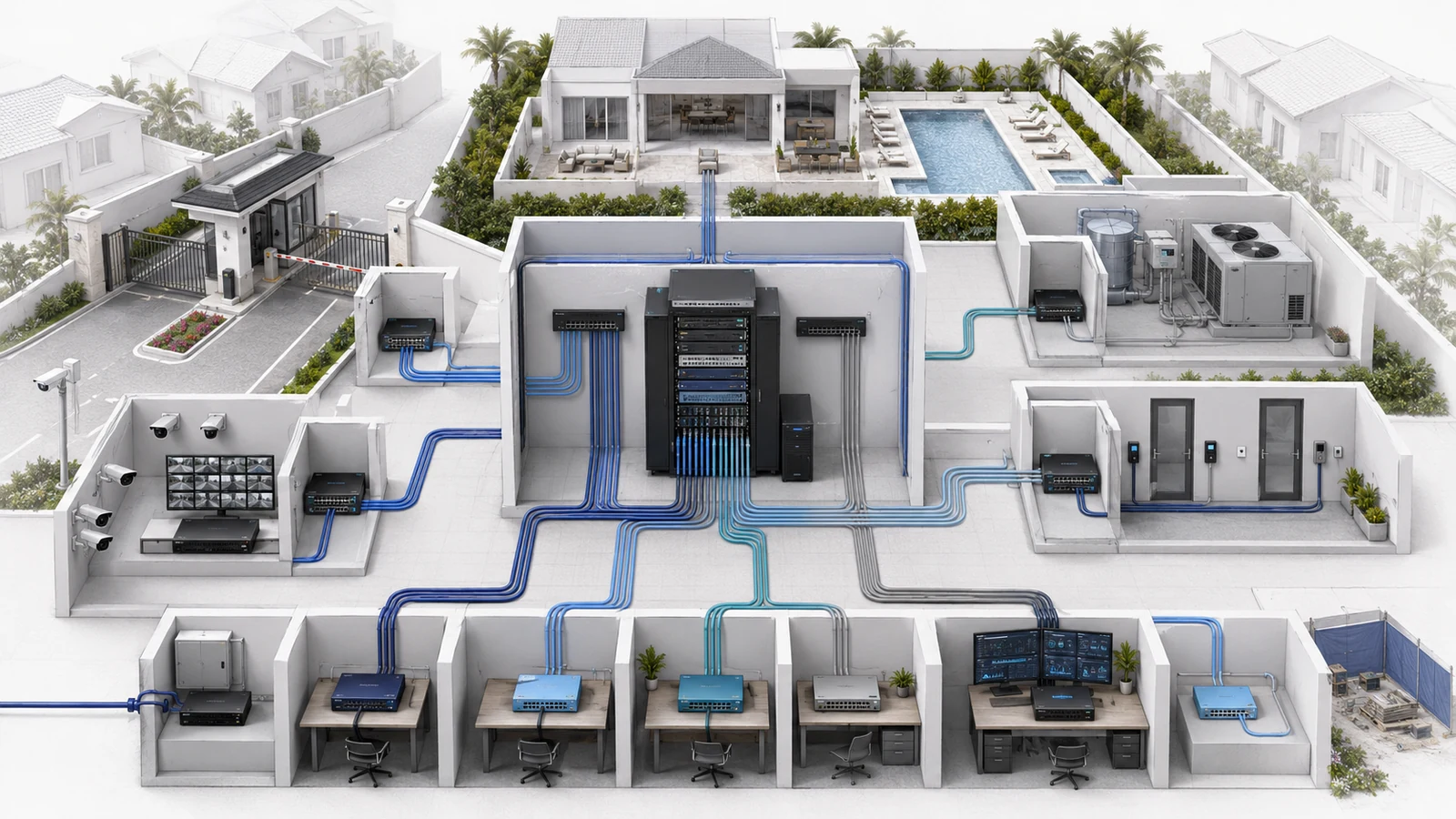
Community networks rarely operate without outside support. Internet providers, IT companies, camera integrators, gate contractors, access-control vendors, AV specialists, building-system providers, and software companies may all require some form of connectivity or administrative access.
That access is often legitimate and necessary. The risk begins when it develops informally: one shared password, an undocumented remote-support tool, an account owned by a former contractor, or a permanent connection created for a project that ended years ago.
The goal is not to make support difficult. It is to give every vendor a defined sponsor, purpose, access method, scope, duration, and exit process. When those elements are clear, vendors can work efficiently without receiving unnecessary control over unrelated community systems.
01 Know Which Vendors Can Reach Which Systems
The first challenge is visibility. Communities may know which companies they pay without knowing how those companies access the property’s technology.
A vendor may connect through:
- A cloud-management portal
- A virtual private network
- Remote-support software on a workstation or server
- A vendor-installed gateway or appliance
- A cellular connection embedded in equipment
- A shared wireless network
- A temporary on-site Ethernet connection
- A local administrator account
- An account controlled entirely by the vendor
Each method creates a different relationship. A vendor may have no direct path into the HOA’s main network but still control a cloud-managed camera or access system. Another provider may have broad network-administrator privileges but use them only during approved support sessions.
Create a vendor-access inventory that records:
- The company and primary contacts
- The internal association or management sponsor
- The systems and locations supported
- The connection method
- The accounts or credentials involved
- Whether access is persistent or temporary
- Who owns the equipment, configuration, licenses, and cloud tenant
- The contract and support status
- The process for ending access
Without this inventory, the community cannot reliably review exposure or complete a clean vendor transition.
02 Match Access to the Vendor’s Real Responsibility
Different providers need different levels of access. An internet carrier, camera integrator, gate contractor, managed IT provider, and temporary event technician should not receive the same network privileges.
| Access Level | Typical Purpose and Scope | Required Control |
|---|---|---|
| Provider Equipment Only | ISP or carrier support limited to its handoff, modem, circuit, or managed device | Document the service boundary, equipment ownership, and approved support contact |
| Application or System Access | Camera, access-control, AV, HVAC, or other specialist reaches only the platform it supports | Use system-specific accounts and prevent unnecessary access to unrelated networks |
| Restricted Network Access | Vendor reaches selected devices, VLANs, locations, or management interfaces | Define the permitted sources, destinations, method, duration, and approval owner |
| Broad Administrative Access | Primary IT or network provider manages gateways, switches, Wi-Fi, routing, and security policies | Require identifiable administrators, secure authentication, backups, change records, and association-controlled recovery |
| Temporary Project Access | Installer, consultant, event provider, or commissioning team connects for a defined project | Use time-limited access and verify removal during project closeout |
The correct question is not “Do we trust this vendor?” Trust is important, but access should still follow responsibility. A reputable camera company does not need unrestricted access to staff computers. A gate contractor does not need administrative control of resident Wi-Fi. An event provider does not need permanent credentials after the event.
Limiting scope also makes troubleshooting easier. When the community knows which provider can change each system, responsibility becomes clearer during an outage.
03 Use Identifiable Accounts and Secure Authentication
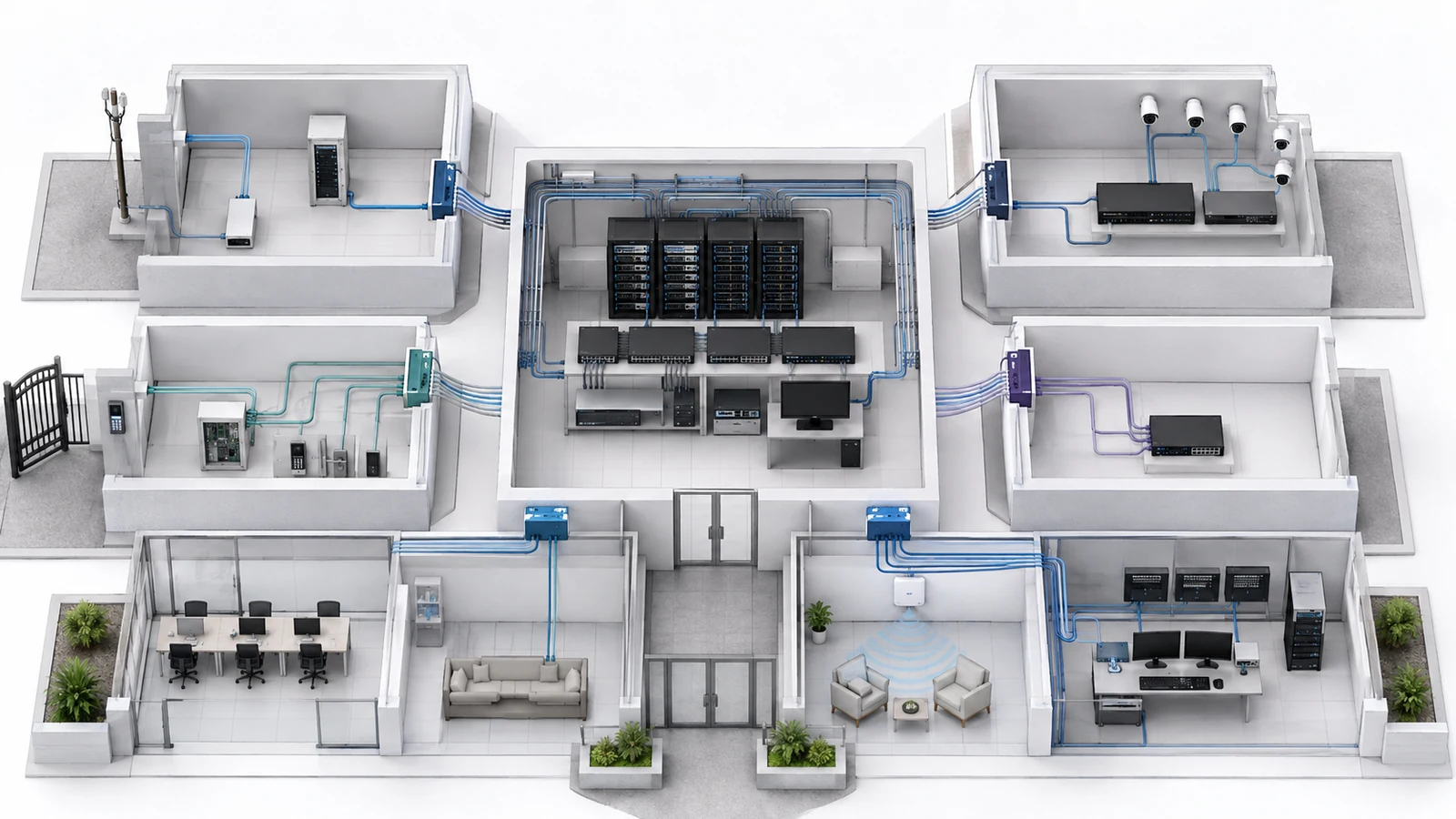
Shared credentials are convenient because one password can be distributed to an entire company. They also make it difficult to determine who accessed the system, remove one technician without affecting everyone, or confirm whether a former employee retained access.
Where the platform supports it, vendor administrators should use individual named accounts with permissions appropriate to their role.
The access process should address:
- Individual identity and company affiliation
- Role-based permissions
- Multifactor authentication where supported
- Association-controlled account recovery
- Account expiration or review dates
- Removal when vendor personnel change
- Emergency or break-glass access
- Restrictions on credential sharing
Some legacy systems allow only one administrative account. That limitation should be documented rather than ignored. The credential should be stored securely, access should be limited, and the account should be changed or reviewed after provider transitions and significant personnel changes.
The community should also understand who controls multifactor recovery. An association-owned cloud environment should not depend entirely on a former technician’s personal phone number or email address.
04 Choose a Controlled Connection Method
Vendor access can be persistent, on demand, supervised, local, or cloud-mediated. The method should reflect the system’s importance, support expectations, and available technology.
Possible approaches include:
- On-demand remote access: enabled only during an approved support period
- Persistent restricted access: continuously available but limited to defined systems
- Supervised support: a staff member or primary IT provider authorizes or observes the session
- System-specific cloud access: the vendor administers only its application or equipment tenant
- On-site service access: the vendor connects through a designated port, service network, or approved workstation
- Vendor appliance: a dedicated device creates a managed support channel
Persistent access may be appropriate for a contracted provider responsible for continuous monitoring or rapid response. Temporary access may be more appropriate for occasional maintenance or project work.
Remote-support tools and vendor appliances should be inventoried like other infrastructure. The community should know where they are installed, what they can reach, who maintains them, how they are updated, and how they are disabled.
A vendor should not use resident or general staff Wi-Fi as an informal pathway to sensitive infrastructure. If on-site access is needed, provide an appropriate controlled method.
05 Control Changes, Not Just Logins
Knowing who can sign in is only part of vendor governance. Communities also need to control what providers may change once connected.
A camera vendor may need to replace a device without changing the core switch configuration. An access-control provider may need a new network connection but should not select an address or VLAN without coordination. A primary IT provider may need broader authority while still documenting changes that affect multiple systems.
Material work should address:
- The purpose and scope of the change
- The systems and locations affected
- The approval owner
- The planned maintenance window
- Configuration backups where supported
- Expected service interruption
- Validation after completion
- Rollback or recovery if the result is unsuccessful
- Updated diagrams, inventories, or port records
Routine work should not require excessive administration. Replacing a failed patch cable does not need the same process as modifying firewall policy or replacing a core switch. Changes should be classified according to their potential impact.
Emergency work may need to proceed quickly. It should still be documented afterward, including what was changed, why normal approval was bypassed, and whether the current records and backups were updated.
06 Maintain Useful Activity and Work Records
Not every system can produce detailed access logs, and collecting logs that no one reviews does not automatically improve security. The level of monitoring should match the system’s importance, available tools, and operational capability.
Useful records may include:
- Named administrator activity in cloud portals
- Remote-access connection history
- Support tickets and maintenance windows
- Configuration-change records
- New or replaced devices
- Switch ports, addresses, or segments assigned to vendor systems
- Updated diagrams and inventories
- Validation and project-closeout results
The purpose is accountability and recoverability—not surveillance for its own sake. During troubleshooting, the community should be able to answer basic questions: Who worked on the system? What changed? Which service was affected? Was the work tested? Can the previous configuration be restored?
Records should be stored somewhere controlled by the association or authorized management organization rather than existing only in the vendor’s ticketing system.
07 Separate Vendor Systems From Residents and Staff
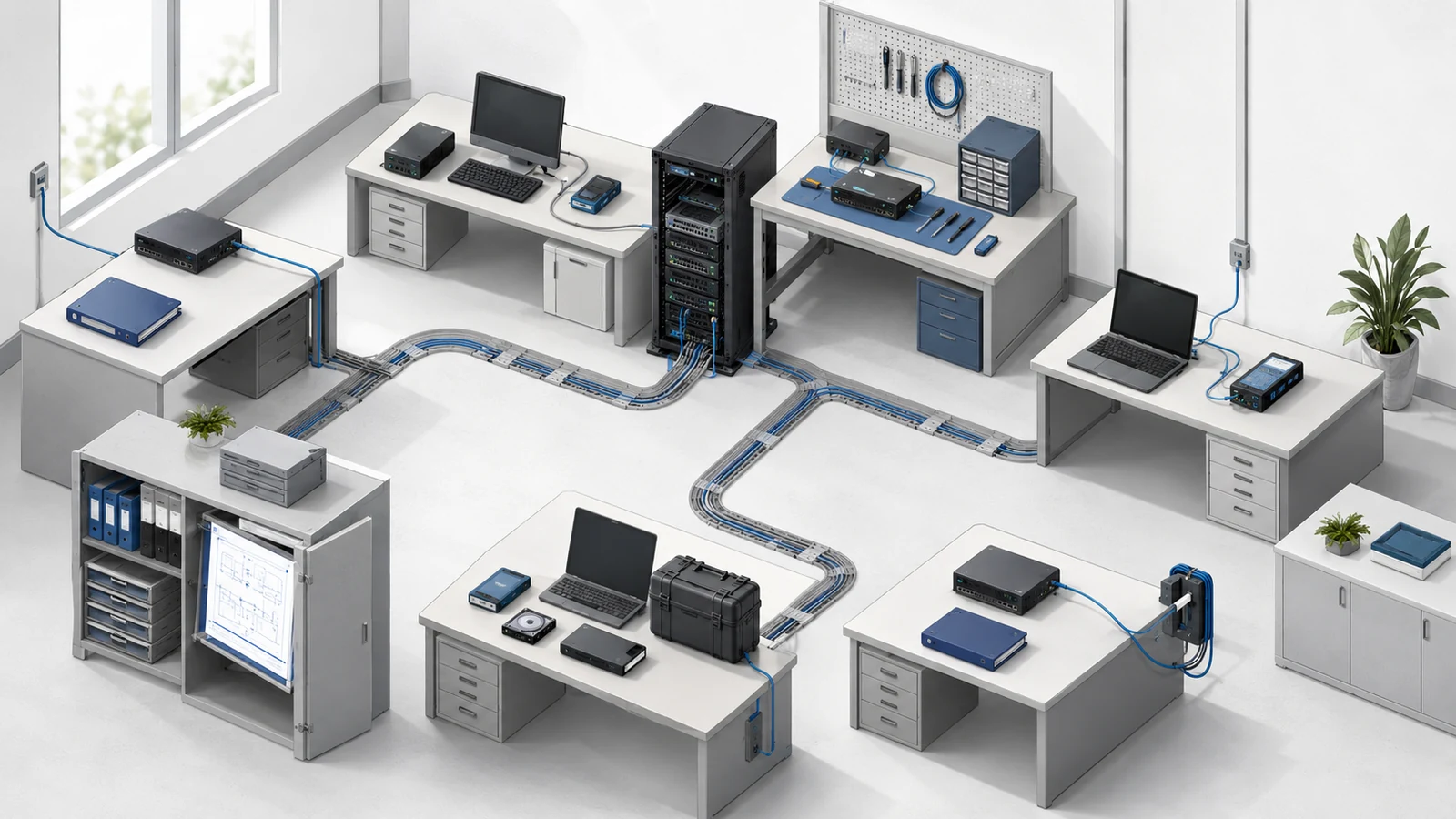
Vendor-managed devices may share switches, fiber, conduit, racks, and equipment rooms with other community infrastructure. They should not automatically share unrestricted logical access.
Potential service groups include:
- Network management
- Administrative and staff systems
- Resident and guest Wi-Fi
- Surveillance cameras
- Access control and gates
- Building automation and maintenance systems
- AV and event technology
- Commercial or payment-related services
Segmentation can limit a provider to the systems it supports. Firewall rules, management restrictions, system-specific cloud roles, controlled jump points, and local access methods can all contribute.
The technical design should reflect operational responsibility. If a vendor needs broader access for troubleshooting, that access can be elevated through an approved process rather than remaining permanently open.
These principles should be incorporated into the community’s broader HOA network policies.
08 Prepare for Vendor and Personnel Transitions
Vendor offboarding is often treated as a contract issue rather than a technical project. Yet a provider transition can affect administrative accounts, cloud tenants, configurations, licenses, certificates, remote-support tools, equipment, warranties, and documentation.
The transition process should confirm:
- Removal of former vendor and technician accounts
- Transfer of association-owned cloud portals and recovery methods
- Return of current configuration backups
- Delivery of diagrams, inventories, and service records
- Transfer or cancellation of licenses and subscriptions
- Identification of leased, provider-owned, and association-owned equipment
- Removal or reassignment of remote-support tools and appliances
- Change of shared credentials that could not be individually revoked
- Verification that the incoming provider can administer the environment
- Confirmation of open issues, warranties, and pending renewals
The same review should occur when a vendor’s key technician changes, even if the company remains under contract. Named accounts belonging to former personnel should be removed promptly.
The association does not need to perform every technical action itself. It does need enough ownership and documentation to authorize, verify, and recover the transition.
09 Establish a Repeatable Vendor-Access Process
HOA Vendor-Access Review Checklist
- Inventory every vendor with network, system, cloud, remote, or physical infrastructure access.
- Assign an internal sponsor or responsible owner to each provider.
- Document the systems, locations, accounts, and equipment within each vendor’s scope.
- Classify access as provider-only, system-specific, restricted network, broad administrative, or temporary project access.
- Use identifiable individual accounts and multifactor authentication where supported.
- Document shared-account exceptions and protect their recovery methods.
- Select an approved remote, cloud, supervised, or on-site connection method.
- Define change approval, backup, testing, rollback, and documentation expectations.
- Separate vendor-managed systems from resident, staff, and unrelated operational networks.
- Retain useful access, maintenance, configuration, and project-closeout records.
- Review access after contract, personnel, management, or system changes.
- Complete credential, configuration, license, documentation, and equipment transfer during offboarding.
A practical process should make normal work easier, not slower. Approved vendors should know how to request access, who authorizes it, which systems they may reach, what changes require coordination, and what records are expected when the work is complete.
Communities should focus controls where the risk and operational impact are greatest. A vendor controlling the core firewall requires more oversight than a contractor servicing an isolated device. A temporary presenter requires a different connection from the managed IT provider responsible for emergency support.
Third-party access becomes dangerous when it is invisible, excessive, shared, permanent by default, or impossible to revoke. When access has a defined owner, scope, method, identity, record, and end condition, vendors can remain effective partners without becoming uncontrolled dependencies.