
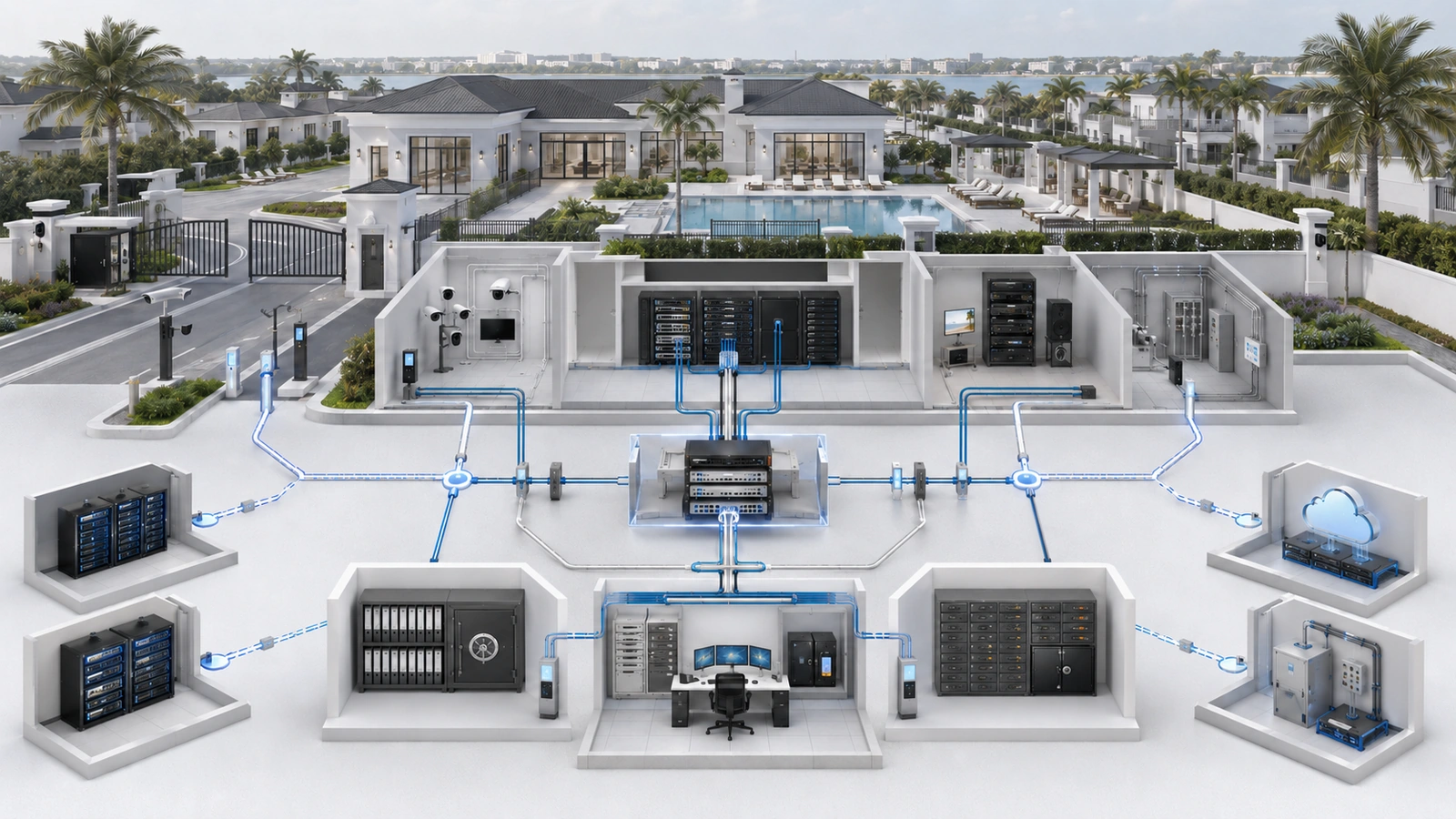
Residential and community properties depend on outside vendors for internet service, surveillance, access control, gates, intercoms, elevators, fire-related systems, audio/video, irrigation, automation, and managed network support.
Those relationships often require vendors to connect devices, enter technology rooms, modify configurations, use remote-support tools, or access cloud-managed platforms.
The access may be entirely legitimate. The risk begins when nobody can explain who approved it, which systems the vendor can reach, how individual technicians authenticate, what changes were made, or whether access was removed after the work ended.
A vendor-access policy creates a controlled lifecycle for third-party participation without preventing qualified providers from doing necessary work.
01 Understand the Different Forms of Vendor Access
Vendor access is broader than a contractor receiving a Wi-Fi password.
A third party may receive access through:
- An onsite wired or wireless connection
- A dedicated vendor network or network segment
- A property-controlled VPN or remote-access gateway
- A vendor-managed remote-support appliance or application
- A cloud-platform administrative account
- A manufacturer support portal
- A cellular connection installed with vendor equipment
- Physical access to racks, controllers, panels, or equipment rooms
- Property credentials shared during a support session
Some vendor-connected systems may communicate externally without allowing the vendor to administer the broader property network. Others may create persistent remote pathways that remain active continuously.
The property should document both network access and application-level access. A vendor who cannot reach the firewall may still have powerful administrative control over cameras, doors, resident records, automation, or other cloud-managed systems.
02 Evaluate the Vendor Before Granting Access
Technical controls cannot compensate for a vendor relationship whose responsibilities were never defined.
Before access is granted, the property should understand:
- The service being provided and systems within scope
- Whether the vendor uses employees, subcontractors, or both
- Who owns administrative accounts, data, configurations, and licenses
- What remote-access technology will be used
- What security and authentication controls the vendor supports
- How incidents and suspected compromise will be reported
- What data the vendor can view, store, transfer, or retain
- What documentation and backups the property will receive
- How access and information will be returned or removed at termination
Contracts and project scopes may also need to address confidentiality, breach notification, records retention, subcontractors, insurance, service levels, data ownership, transition assistance, and responsibility for changes.
These requirements should be reviewed by appropriate legal, insurance, operational, and technical professionals where the risk warrants it.
For regulated, safety-related, elevator, fire, alarm, or life-safety-adjacent systems, changes to connectivity or vendor access should be coordinated with qualified parties and applicable contractual or regulatory requirements.
03 Require Purpose, Scope, Owner, and Duration
Every access authorization should answer four questions:
- Purpose: What approved work or service requires access?
- Scope: Which systems, devices, applications, locations, or data are required?
- Owner: Which property representative is accountable for the relationship?
- Duration: When does access begin, and when should it expire or be reviewed?
A camera vendor may require access to a recorder, cameras, relevant switches, and a management platform. That requirement does not automatically justify access to staff computers, accounting systems, printers, resident platforms, gates, or unrelated infrastructure.
Temporary access is appropriate for installation, troubleshooting, updates, testing, or other defined tasks. Persistent access may be justified for an approved managed service, continuous monitoring, emergency response, or a cloud platform required for daily operation.
Persistent access should still have an owner, documented purpose, review date, approved connection method, and revocation process. “The vendor has always had access” is not sufficient authorization.
| Access Type | Appropriate Use | Required Control |
|---|---|---|
| Task-based temporary access | Installation, troubleshooting, update, or scheduled maintenance | Approved window, limited scope, named identity, activity record, and expiration |
| Persistent managed access | Approved monitoring, administration, or recurring support | Contracted purpose, MFA, least privilege, logging where supported, and periodic review |
| Emergency access | Urgent containment or restoration of important service | Accelerated authorization, controlled activation, documentation, validation, and follow-up review |
| Onsite connection | Local configuration, commissioning, testing, or diagnostics | Approved location, network placement, work scope, change control, and removal after use |
04 Use Accountable Identity and Least Privilege
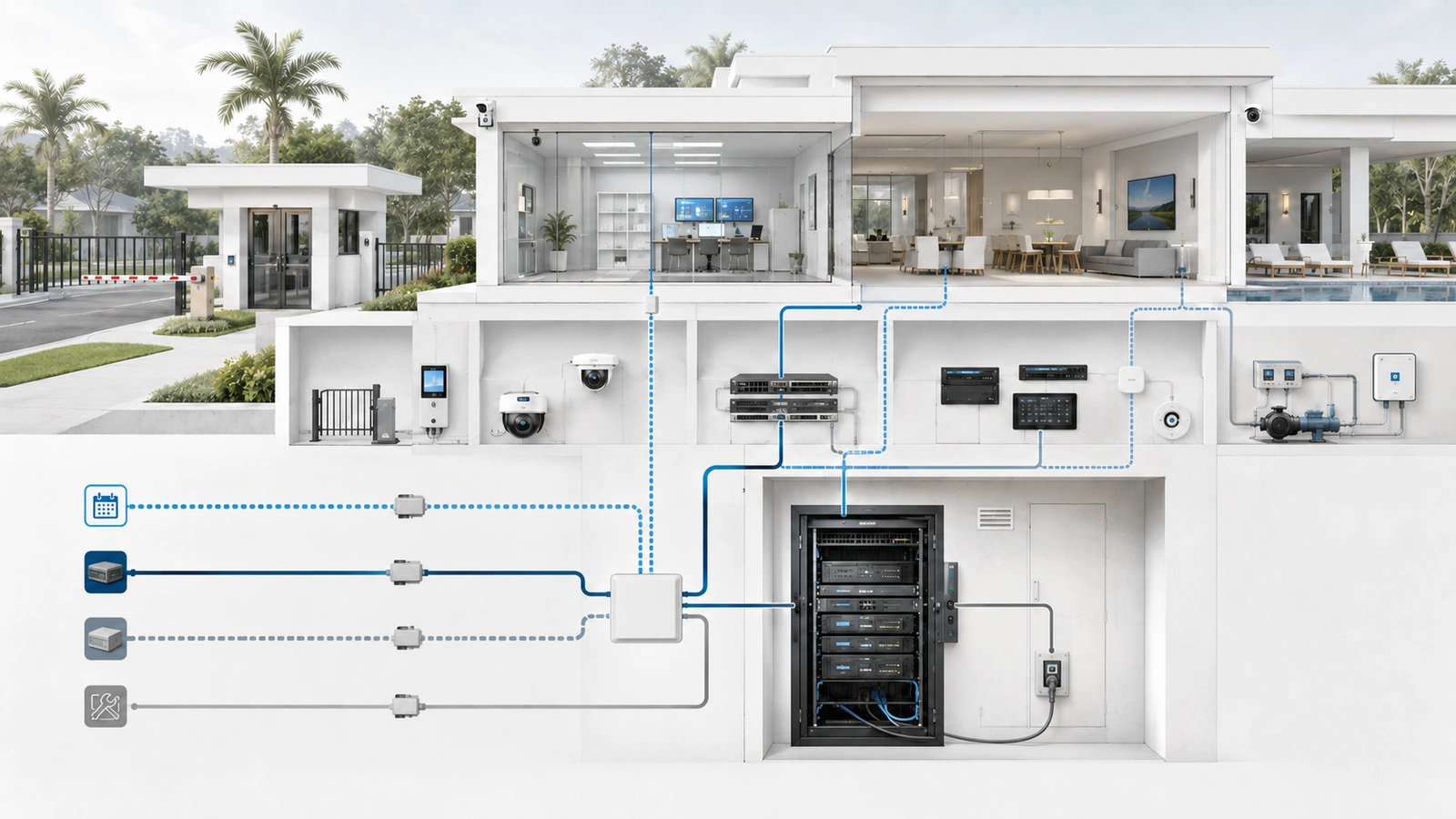
Whenever supported, vendor technicians should use individual named accounts rather than a single generic login shared across the vendor organization.
Named identities improve accountability and allow one technician’s access to be removed without disrupting every other authorized user.
Access controls should include:
- Unique vendor identities where supported
- Multifactor authentication for remote and privileged access
- Permissions limited to required systems and functions
- Separate vendor and internal administrator accounts
- Time-based expiration for temporary access
- Restrictions based on location, network, or device where practical
- Activity logging and alerting where supported
- Documented emergency-access procedures
A vendor company account may still be necessary in platforms that do not support individual identities. If so, the property should document the limitation, control the credential securely, identify the responsible vendor organization, and review use and rotation requirements.
Vendor credentials belong in approved secure systems—not in diagrams, shared spreadsheets, unprotected email, or notes attached to equipment.
Least privilege applies to both technical access and information. A vendor should receive the documentation necessary to perform approved work without automatically receiving sensitive records about unrelated systems.
05 Control Remote Access Paths
Remote access can reduce response time and avoid unnecessary site visits, but persistent external pathways require deliberate design.
The property should prefer approved and property-governed access methods where practical. This creates better visibility and makes access easier to suspend during a vendor change or security concern.
Remote-access controls may include:
- A property-controlled VPN or secure access gateway
- MFA and named vendor accounts
- Access limited to specific network segments or applications
- Scheduled or approval-based activation
- Session logging or administrative activity records where supported
- Alerts when privileged vendor access is used
- Prohibition of unapproved remote desktop or support tools
- Periodic review of firewall rules, VPN users, integrations, and remote appliances
Directly exposing management interfaces to the public internet should be avoided unless a specific supported design requires it and appropriate security controls are implemented.
A vendor-installed remote tool should not remain hidden from the property’s inventory. Its owner, purpose, connectivity, account structure, update responsibility, and removal procedure should be documented.
Remote access may also exist through a vendor cloud even when no conventional VPN is configured. Cloud roles, support delegation, integration tokens, application programming interfaces, and manufacturer portals should be included in the review.
06 Separate Vendors From Unrelated Systems
Network separation limits the effect of mistakes, compromised vendor devices, excessive permissions, and poorly configured third-party equipment.
Depending on the environment, separation may use:
- Dedicated network segments
- Firewall policies allowing only required destinations and services
- Application-specific roles
- Temporary access networks
- Controlled management interfaces
- Physically separate infrastructure where operationally required
A generic guest network is not automatically an appropriate vendor network. Guest access may allow only outbound internet use, while a vendor may need controlled access to a specific controller or device.
Likewise, placing a vendor laptop on the staff network may provide far more reach than necessary.
Segmentation does not eliminate third-party risk. Incorrect rules, shared credentials, cloud administration, physical access, and undocumented integrations can bypass or weaken the intended boundary. Separation should be validated and documented rather than assumed.
07 Control Onsite Work and Vendor Changes
Third-party risk is not limited to remote access. Onsite technicians may connect laptops, attach diagnostic devices, move cables, reboot equipment, change switch ports, replace controllers, or create temporary internet connections.
An onsite access procedure should define:
- Arrival, authorization, and equipment-room access
- The approved work order or service request
- Where vendor devices may connect
- Whether escort or supervision is required
- Which systems may be powered down or restarted
- Who approves changes beyond the original scope
- What testing must occur before departure
- What temporary equipment, cabling, accounts, or access must be removed
Vendors should not make unrelated infrastructure improvements simply because they are onsite. Discoveries outside the approved scope should be documented and reviewed before additional work proceeds unless immediate action is required for safety or service recovery.
Changes to firewall rules, switching, Wi-Fi, remote access, system configuration, or connected equipment should follow the property’s change process. See How to Create a Simple Network Change Management Process.
The completion record should identify what changed, who performed it, when it occurred, how it was tested, whether temporary measures remain, and which documentation or backups were updated.
08 Review Access and Respond to Third-Party Incidents
Vendor access should be recertified periodically and after important relationship changes.
A review should confirm:
- The service and contract remain active
- The documented access purpose remains valid
- Authorized vendor personnel and subcontractors are current
- Accounts, roles, VPN access, firewall rules, and cloud delegation remain appropriate
- Remote-support tools and appliances remain required and updated
- Persistent access still requires continuous availability
- Documentation, licenses, backups, and account ownership remain under control
If a vendor reports a compromised account, device, remote tool, or platform, the property should have authority to suspend relevant access while scope and risk are evaluated.
The response may include disabling accounts, terminating sessions, blocking access paths, rotating affected credentials, preserving logs, verifying unauthorized changes, involving appropriate vendors, and validating services before access is restored.
Incident actions should be coordinated to avoid destroying evidence or disrupting regulated and critical systems unnecessarily. The complete response structure is covered in Incident Response Basics for Residential and HOA Networks.
09 Offboard Vendors Completely
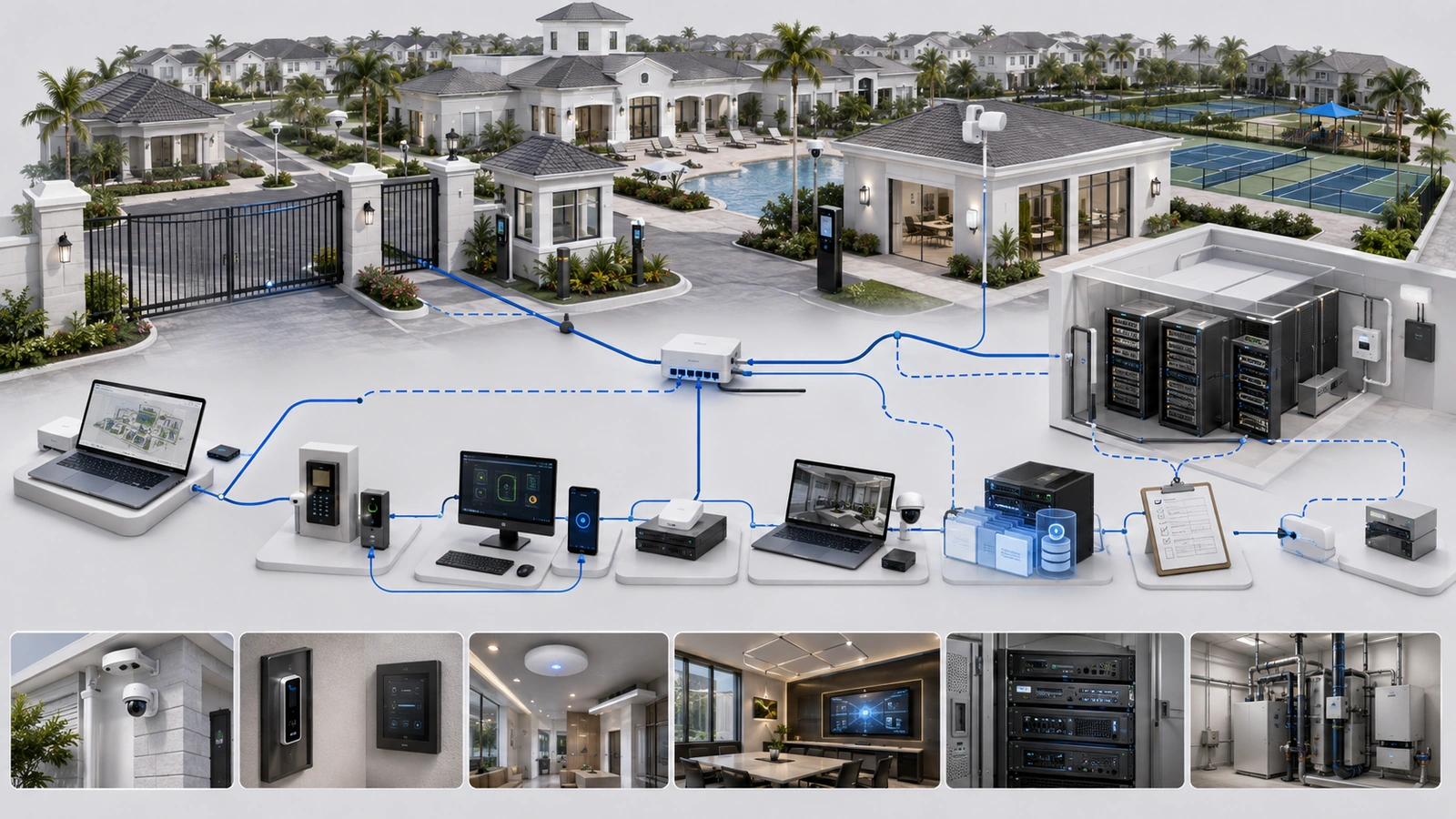
Vendor access frequently outlives the project or contract because technical offboarding was never assigned to anyone.
Offboarding should be planned before the relationship ends, especially when the vendor controls cloud accounts, configuration backups, licenses, data, certificates, integrations, or proprietary equipment.
Vendor Access and Offboarding Checklist
- Confirm the systems, locations, accounts, data, and services within the vendor’s scope.
- Identify individual technicians, subcontractors, shared identities, and administrative roles.
- Inventory VPN access, firewall rules, remote tools, cloud delegation, tokens, and support appliances.
- Secure current diagrams, configurations, backups, licenses, warranties, and service records.
- Transfer property-owned accounts, billing, MFA, and recovery methods.
- Export required operational data before contractual or platform deadlines.
- Establish replacement support and administrative access before removing necessary existing control.
- Disable vendor users, sessions, VPN access, remote tools, and cloud roles.
- Rotate credentials, keys, tokens, certificates, or shared secrets where appropriate.
- Remove temporary devices, cabling, firewall rules, and network connections.
- Verify critical systems, alerts, integrations, remote access, and recovery procedures.
- Update the authoritative documentation and record unresolved dependencies.
Access removal should occur in a controlled sequence. Disabling the former vendor before the property verifies replacement administrative ownership can lock the property out of its own systems.
Documentation requirements and secure ownership are covered in Network Documentation Best Practices for Homes, HOAs, and MDUs.
Final Perspective
Outside vendors are essential participants in many residential and community environments. Effective access governance should make their work safer and more accountable—not unnecessarily obstruct legitimate support.
The property should understand why access exists, who uses it, which systems it reaches, what controls protect it, what activity and changes are recorded, and how it will be removed.
Temporary access should expire. Persistent access should be justified and reviewed. Onsite work should be coordinated. Vendor changes should follow the approved process. Accounts, data, configurations, and documentation should remain under appropriate property control.
When those requirements are built into the complete vendor lifecycle, third-party support becomes a governed operational relationship rather than an invisible collection of passwords and remote connections.