
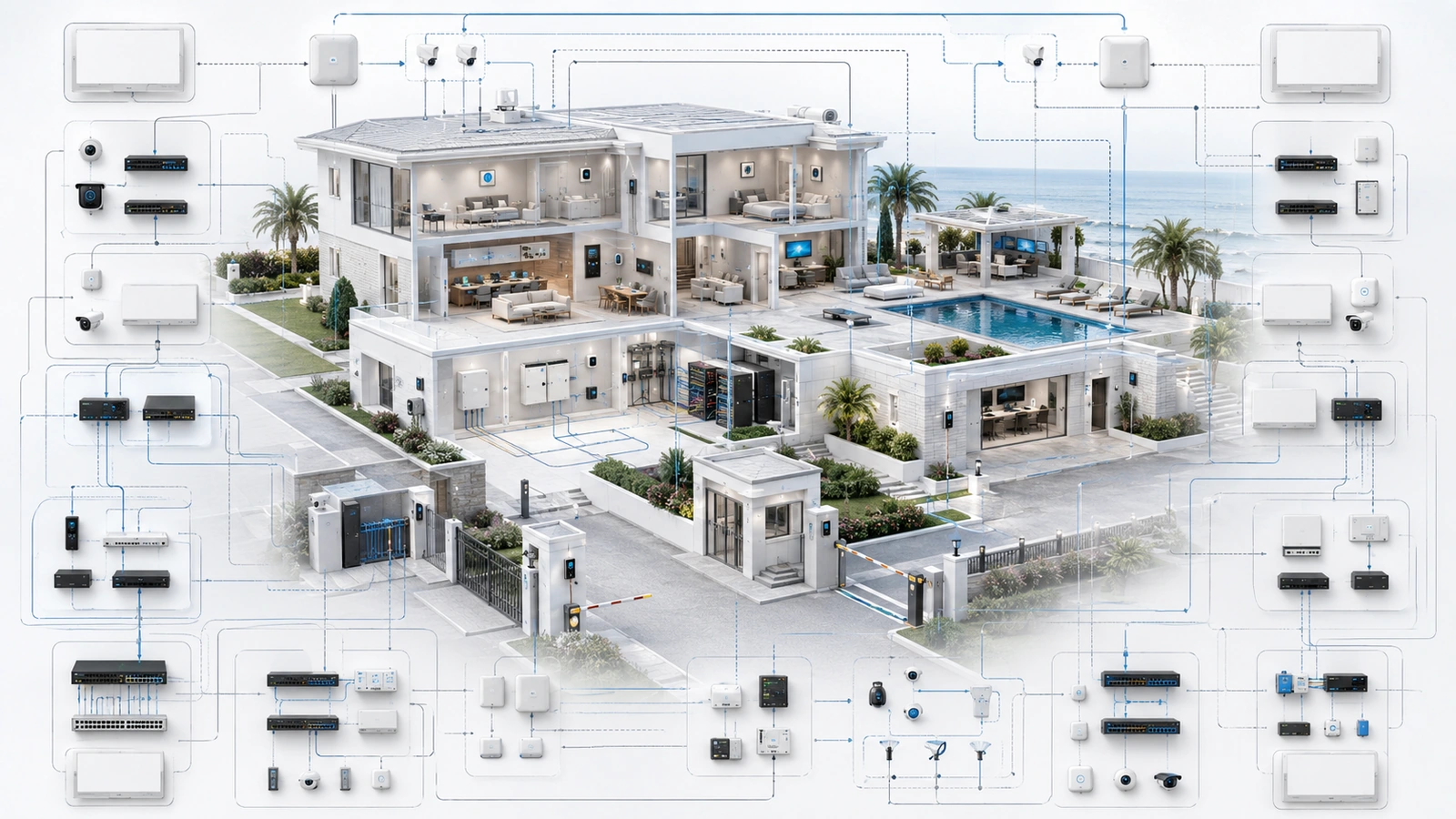
Smart-property technology can improve security, comfort, visibility, energy management, communications, and daily operations. The problem begins when the property adds systems faster than it develops the ability to govern them.
A camera platform, access-control system, lighting controller, environmental sensor, smart lock, resident application, wireless network, and automation platform may each work correctly on its own. Together, they can create dozens of accounts, alerts, subscriptions, integrations, support relationships, and failure dependencies.
At that point, the property may be technologically advanced but operationally fragile.
The warning sign is not simply having many devices. It is when maintaining the technology consumes more attention than the operational problems the technology was intended to solve.
01 Complexity Accumulates One Useful System at a Time
Most unmanageable environments did not begin with a deliberately complicated design. They developed gradually through individually reasonable projects.
One vendor installs cameras. Another provides access control. Management adds environmental sensors. A lighting system receives remote automation. Residents or staff adopt additional applications. Later projects introduce dashboards intended to coordinate earlier systems.
Each project may provide value, but the combined environment begins accumulating:
- Separate cloud portals and mobile applications
- Different administrative identities and recovery methods
- Overlapping device and service notifications
- Independent subscriptions and renewal dates
- Multiple wireless protocols and network dependencies
- Unclear responsibility between vendors
- Automation rules built across several platforms
- Equipment with different support and replacement cycles
The total operational burden is rarely visible in an individual project proposal because each proposal describes only its own system.
Properties need a portfolio-level view that asks how every addition affects staffing, support, security, training, documentation, connectivity, power, and future replacement.
02 Capability Is Not the Same as Operational Value
Smart systems often offer extensive features, but a feature creates value only when the property has a useful operational reason to enable and maintain it.
A proposed system should be evaluated against questions such as:
- What property problem does this solve?
- Who will use or monitor it?
- What action follows its information or alert?
- What infrastructure and integrations does it require?
- What recurring work and cost does it create?
- What happens when it fails or becomes unavailable?
- How will its value be reviewed after deployment?
| Technology Condition | Operational Meaning | Recommended Response |
|---|---|---|
| High value, manageable burden | The system supports a clear workflow and remains sustainable | Maintain, document, and review |
| High value, excessive burden | The function matters, but its operation is fragmented or unreliable | Simplify, standardize, redesign, or consolidate |
| Low value, low burden | The system is harmless but contributes little | Retain only if lifecycle cost remains justified |
| Low value, excessive burden | The system consumes support, cost, or attention without meaningful benefit | Plan controlled retirement |
This prevents “smart” from becoming an automatic justification. Technology should remain because it supports an intentional outcome, not merely because it is already installed or technically capable of another integration.
03 Too Many Interfaces Create Operational Friction
Multiple platforms are not inherently wrong. Networking, surveillance, access control, building automation, and life-safety-related systems may have different specialist requirements and should not always be forced into one interface.
The problem is unmanaged fragmentation.
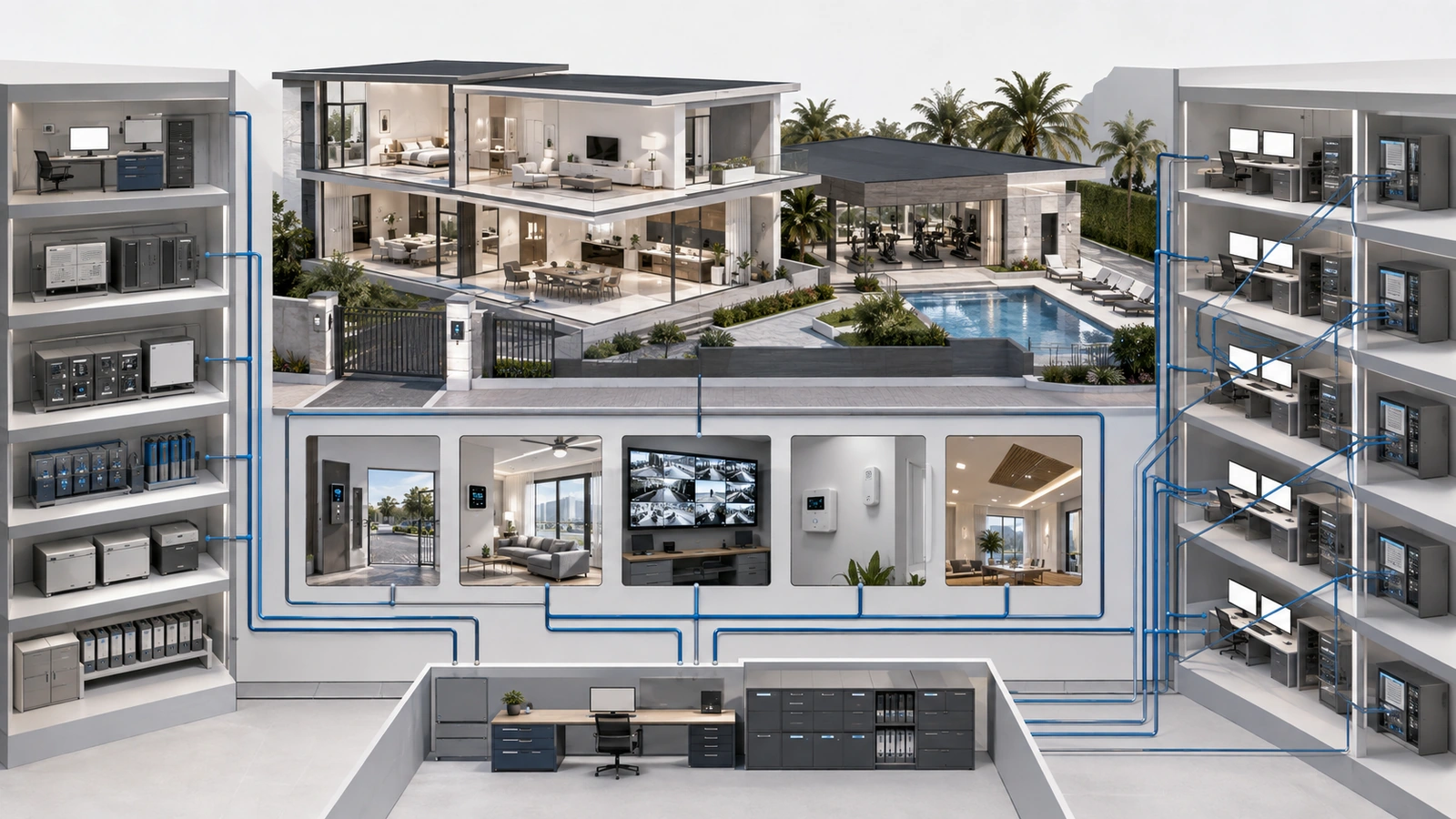
Property teams may need one application for cameras, another for gates, another for locks, another for lighting, another for environmental monitoring, and several vendor portals for service and billing. Simple investigations require switching between systems that use different naming conventions, permissions, timestamps, and navigation.
Operational friction appears as:
- Slow response because staff do not know which platform to use
- Inconsistent permissions among employees and vendors
- Duplicate entry across disconnected systems
- Training that depends on informal knowledge
- Forgotten accounts and unmanaged former-user access
- Important information isolated inside specialist applications
The solution may involve consolidation, but it can also involve clearer workflows, single sign-on where appropriate, standardized naming, role-based access, central documentation, and a defined operating view for staff.
The objective is not one application at any cost. It is a manageable number of purposeful interfaces with clear responsibility and secure access.
04 More Alerts Can Produce Less Awareness
Smart systems generate camera events, device-offline notices, door activity, battery warnings, temperature thresholds, network alarms, software messages, subscription notices, and automation errors.
If every event reaches everyone through the same channel, important warnings compete with routine information. Users become desensitized, notifications are muted, and genuine problems may be overlooked.
A mature alert design defines:
- Severity: informational, warning, urgent, or critical
- Owner: the role responsible for evaluating the alert
- Action: what the recipient is expected to do
- Escalation: what happens if the condition remains unresolved
- Timing: immediate delivery, scheduled summary, or maintenance queue
- Suppression: how duplicates and maintenance-related alarms are controlled
- Closure: how the property confirms that the issue was resolved
An alert with no owner or response procedure is usually noise. A critical condition delivered only to a former employee is not operational monitoring.
Alert volumes and outcomes should be reviewed periodically. Repeated false or nonactionable alerts should be corrected at their source rather than accepted as a permanent burden.
05 Automation Must Remain Understandable
Automation can coordinate schedules, lighting, access, environmental controls, notifications, and other property functions. Its convenience can also hide dependency chains that become difficult to troubleshoot.
A seemingly simple action may depend on a sensor, local controller, network connection, cloud platform, user account, third-party integration, and several conditional rules.
Automation records should identify:
- The purpose and owner of the automation
- Its trigger, conditions, and resulting actions
- Connected devices, platforms, accounts, and services
- Schedules, exceptions, and overlapping rules
- Expected behavior when internet or cloud access is unavailable
- Manual override and safe-disable procedures
- Who may change the rule
- When the automation was last tested and reviewed
Critical functions should not depend on automation that nobody can explain, safely bypass, or recover. Changes should be recorded, and complex rules should be tested for unintended interactions before they become normal operations.
When an automation repeatedly creates confusion, the correct response may be simplification rather than another corrective automation layered on top of it.
06 Every Smart Device Creates a Lifecycle Obligation
The purchase price represents only the beginning of a connected device’s operational life.
Each device or platform may require:
- Account and credential management
- Firmware and security updates
- Battery replacement
- Subscription and license renewal
- Cloud-service monitoring
- Compatibility testing after other systems change
- Certificate, token, or integration-key renewal
- Warranty and support tracking
- Eventual replacement, migration, or disposal
Maintenance obligations grow faster when products use different platforms, communication protocols, vendors, and replacement cycles.
An authoritative inventory should record the device or service, location, purpose, owner, network relationship, management platform, support status, renewal information, maintenance requirement, and planned lifecycle.
Unknown, unsupported, or unnecessary devices should not remain connected indefinitely. They should be investigated and then brought under management, isolated appropriately, replaced, or retired through a controlled process.
07 User Experience Must Survive Technology Failure
A system can be technically sophisticated and still create a poor experience for residents, guests, staff, or contractors.
Common signs include:
- Multiple applications required for ordinary access
- Procedures that change depending on the door, building, or amenity
- Automations that users cannot predict
- Frequent reauthentication or account-recovery problems
- No clear alternative when a phone, application, internet connection, or cloud service is unavailable
- Technology that requires regular staff intervention for routine use
User-facing workflows should be evaluated for common conditions, not only ideal demonstrations. That includes a visitor without the application, a resident changing phones, a staff transition, a drained device battery, an internet outage, or a vendor-cloud interruption.
Manual fallback does not mean abandoning smart functionality. It means ensuring important property operations remain understandable and appropriately accessible when the preferred digital workflow fails.
The behavior of connected services during internet disruption is explored in Internet Outage Lessons From Real Residential Environments.
08 Establish Governance Across Systems and Vendors
A smart property can use several specialist vendors successfully if the property maintains architectural and operational oversight.
Governance should identify:
- The property representative accountable for the overall environment
- The operational owner of each system
- Vendor scope and support boundaries
- Administrative ownership and approved access
- Integration and infrastructure dependencies
- Escalation paths when several systems are involved
- Change approval and documentation requirements
- Cybersecurity, privacy, retention, and access-review responsibilities
- Budget ownership and lifecycle planning
When a failure crosses vendor boundaries, the property should not be left coordinating an indefinite cycle of blame. Logs, diagrams, support responsibilities, timestamps, and escalation procedures should help identify where evidence must be collected and who leads the response.
Property-owned accounts and transition rights are especially important in integrated environments. See Vendor Lock-In Problems in Residential Infrastructure.
09 Simplify Without Creating Another Disruption
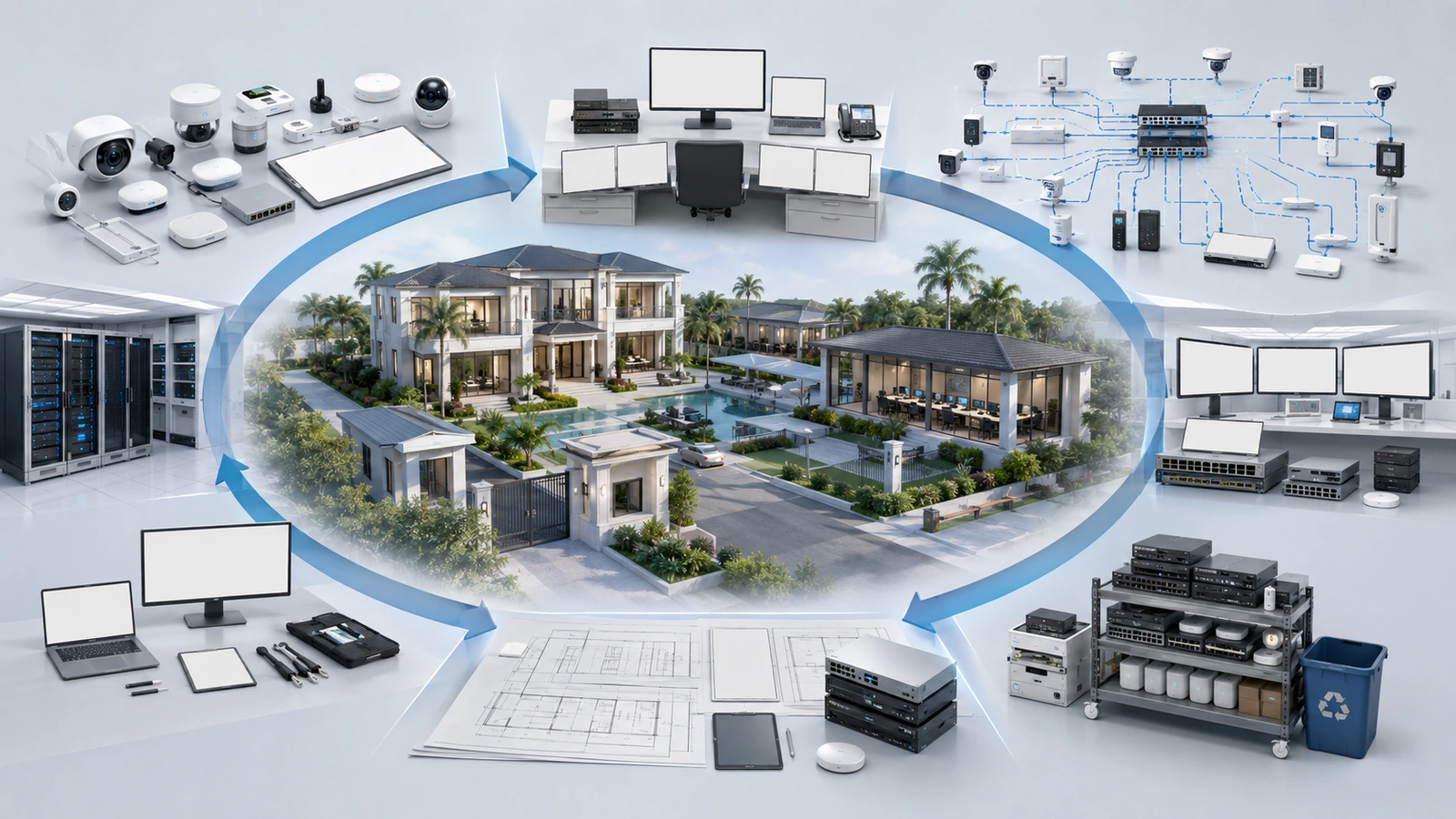
Once a property recognizes that its technology has become unmanageable, immediate replacement of everything is rarely practical. Simplification should be controlled and evidence-based.
Smart-Property Simplification Checklist
- Inventory systems, devices, applications, accounts, vendors, subscriptions, and integrations.
- Assign an operational purpose and owner to every retained system.
- Identify critical, useful, redundant, unsupported, and low-value technology.
- Map network, cloud, power, account, and automation dependencies.
- Review administrative ownership and remove unauthorized or obsolete access.
- Classify alerts by severity, owner, required action, and escalation path.
- Document automations and test manual overrides and offline behavior.
- Standardize naming, documentation, support intake, and change records.
- Consolidate platforms only where doing so reduces total operational risk.
- Create controlled retirement plans for redundant or unsupported systems.
- Verify that removing a system will not break an undocumented dependency.
- Update training, recovery procedures, diagrams, and lifecycle budgets.
- Review whether operational burden actually decreases after each change.
Decommissioning requires the same discipline as installation. Accounts should be closed or transferred, integrations removed, credentials rotated where necessary, data retained or deleted according to policy, subscriptions canceled, devices securely reset, and documentation updated.
The objective is not simply fewer devices. It is an environment where retained systems provide clear value and can be operated, secured, supported, and replaced without relying on undocumented institutional memory.
Final Perspective
Smart-property technology becomes unmanageable not because intelligence and automation are inherently excessive, but because operational responsibility fails to grow alongside technical capability.
Fragmented platforms, excessive alerts, undocumented automation, unclear vendor boundaries, cloud dependency, weak account ownership, and unmanaged lifecycle obligations gradually turn convenience into operational burden.
The strongest smart environments are not necessarily the ones with the most integrations or the fewest platforms. They are the ones whose technology remains purposeful, understandable, maintainable, secure, and appropriately resilient.
Good smart infrastructure should disappear into dependable daily operations. When it constantly demands attention, the property does not need another feature—it needs clearer governance and deliberate simplification.