
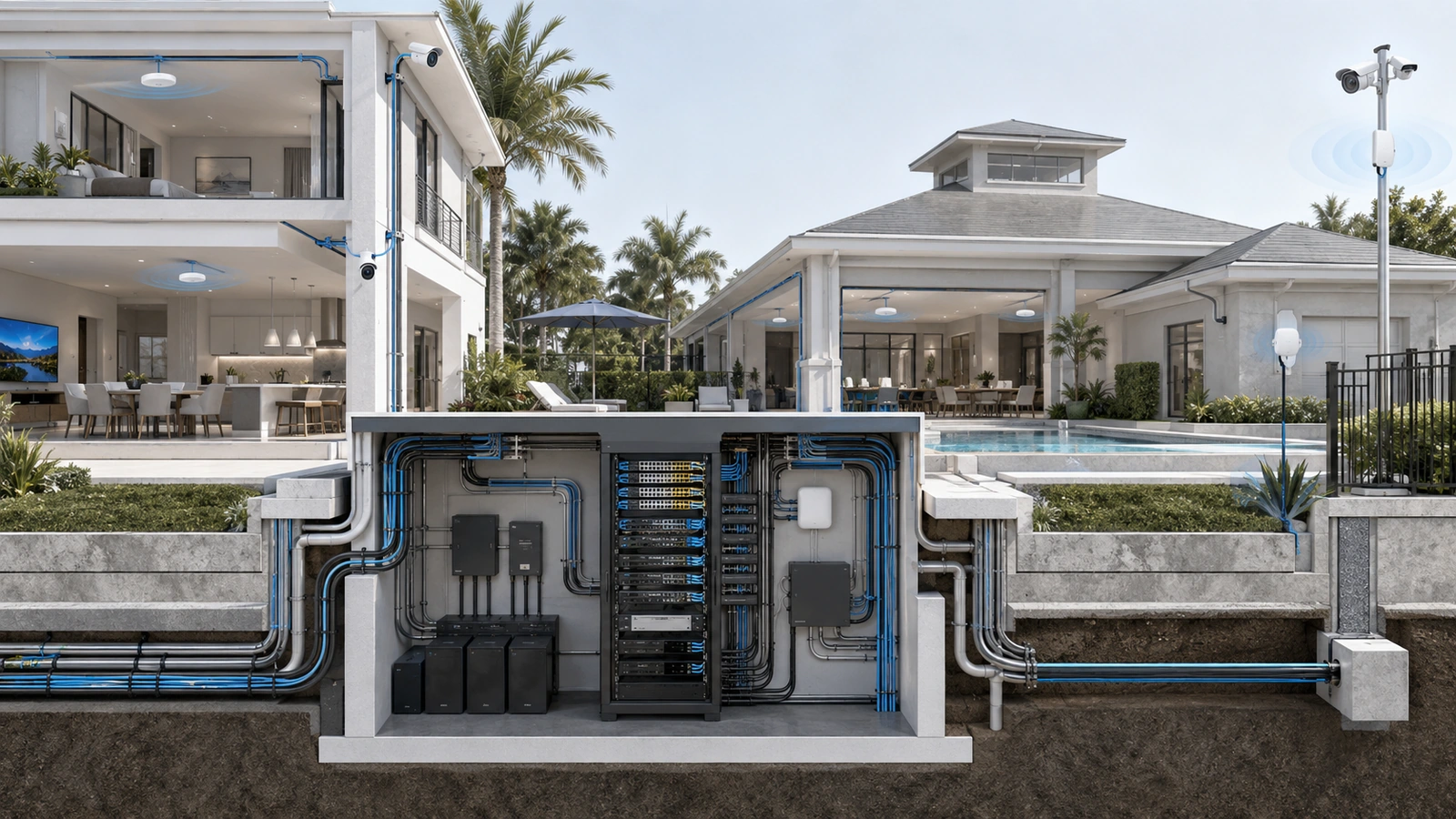
Many residential and HOA technology systems work well when they are first installed. Internet service appears fast, Wi-Fi coverage seems adequate, cameras record correctly, and the network closet has enough room for the original equipment.
Problems emerge later, after the property adds more cameras, access points, resident devices, cloud-managed systems, outdoor amenities, access control, environmental monitoring, or building automation.
The original infrastructure may still be operational, but it no longer has enough capacity, power, space, bandwidth, or flexibility to support what the property is becoming.
This is a scalability failure: infrastructure was designed around a fixed opening-day requirement instead of an environment expected to evolve.
01 Scalability Failures Usually Begin With Short-Term Sizing
Many projects are scoped around the devices included in the current proposal. If the project requires 20 connected devices, it receives enough ports for approximately 20 devices. If the initial camera calculation requires a particular amount of storage, the recorder is sized around that initial calculation.
This approach may reduce the visible installation price, but modern properties rarely remain static.
Future additions may include:
- Additional surveillance cameras
- More wireless access points
- Outdoor Wi-Fi and amenity coverage
- EV charging and energy-management systems
- Smart irrigation and environmental sensors
- Access-control and intercom expansion
- Digital signage and resident-service platforms
- Cloud-managed building technology
- New staff, vendor, and remote-support requirements
Many of these systems are not purchased as traditional IT projects, yet they still consume network ports, Power over Ethernet, bandwidth, rack space, electrical capacity, addresses, licenses, storage, and support resources.
A design that accounts only for the current equipment list begins approaching its limits as soon as the next independent project is approved.
02 Scalability Must Be Measured Across Multiple Layers
A network does not have one universal measure of capacity. It can have unused switch ports while lacking PoE power. It can have fast internet service while suffering from wireless congestion. A recorder can support more cameras logically while lacking sufficient storage throughput or retention capacity.
Scalability should therefore be evaluated across several connected layers:
| Infrastructure Layer | Capacity Questions | Typical Failure Signal |
|---|---|---|
| Internet edge | Throughput, latency, service availability, failover, and provider options | Peak-period instability or operational services competing with general use |
| Switching | Ports, PoE budget, uplink capacity, forwarding capability, and management limits | Expansion requires another switch before supporting infrastructure is ready |
| Wireless | Coverage, client density, airtime, channel use, roaming, and wired backhaul | Strong signal but poor performance during busy periods |
| Surveillance | Camera support, recording throughput, retention, storage expansion, and export performance | Retention decreases as cameras or recording quality increase |
| Physical plant | Rack space, pathways, cable capacity, cooling, power, UPS runtime, and grounding | Minor additions require construction or improvised installation |
| Operations | Licensing, monitoring, documentation, support capacity, and lifecycle planning | Technology grows faster than the property’s ability to manage it |
A credible scalability review examines all of these layers together. Increasing capacity in only one area may simply move the bottleneck somewhere else.
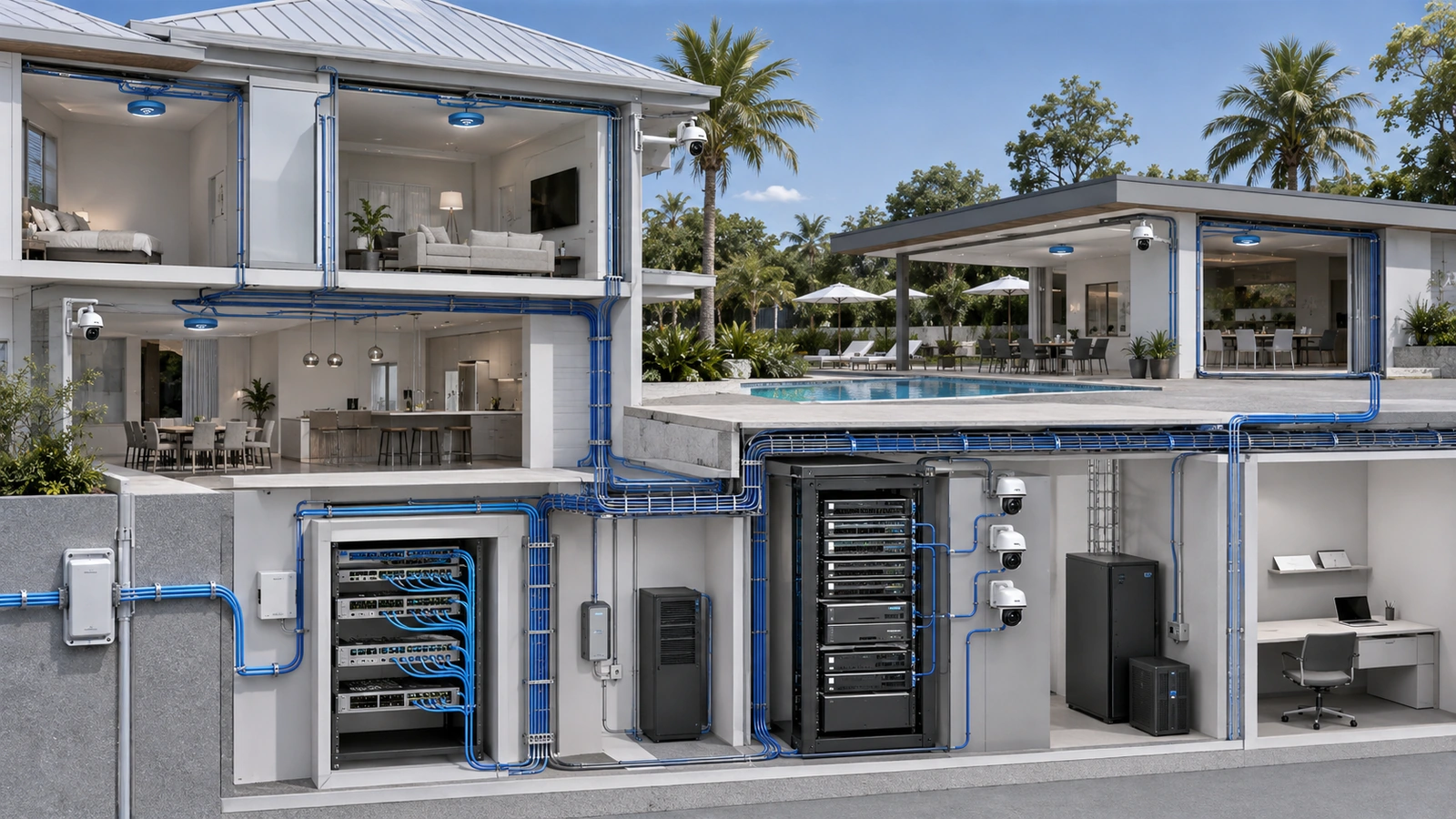
03 Internet Capacity Is More Than a Speed Tier
Internet demand tends to grow as occupancy, devices, video use, cloud services, remote management, and software updates increase. However, upgrading to a faster plan does not automatically make the entire property scalable.
The usable result also depends on:
- Firewall and gateway throughput
- Security services enabled on the gateway
- Internal switching and uplink capacity
- Wireless airtime and client distribution
- Application behavior and cloud-service performance
- Traffic prioritization for operational systems
- Provider availability and restoration time
A property should evaluate utilization during representative busy periods, not only through a speed test performed when activity is low. Average usage can hide short periods of congestion that affect video meetings, cloud platforms, payment systems, gates, or management applications.
Critical operational services should also be distinguished from resident, guest, or entertainment traffic. Segmentation and appropriate traffic policies may improve predictability, but they cannot create capacity that does not exist.
Where internet availability is operationally important, scalability planning should consider whether a secondary circuit or alternate provider path is technically and physically possible. More bandwidth and greater resilience are related goals, but they are not the same thing.
04 Switch Capacity Includes Ports, Power, and Uplinks
Port count is the most visible switching limit, but it is only one part of the calculation.
A switch may have open ports and still be unable to support additional cameras, access points, intercoms, or other powered devices because its available PoE budget has been consumed. Different devices can also require different PoE standards and may draw more power during startup or under certain operating conditions.
Switch planning should evaluate:
- Total physical ports and ports reserved for uplinks
- Expected PoE demand by device and power standard
- Available PoE capacity under realistic operating conditions
- Uplink speed and expected aggregate traffic
- Required VLAN, security, monitoring, and management capabilities
- Rack space, electrical load, heat output, and UPS requirements
- Manufacturer support and lifecycle status
Adding another switch is not always a simple solution. It may require additional rack capacity, power, cooling, uplink ports, fiber strands, UPS runtime, configuration, licensing, and monitoring.
Intentional expansion capacity should be based on forecast demand and the difficulty of adding infrastructure later. A remote gatehouse connected through limited underground pathways may justify more advance capacity than an accessible residential closet where expansion is straightforward.
05 Wi-Fi Must Scale for Capacity, Not Only Coverage
A wireless deployment can show acceptable coverage and still fail under increased use.
Coverage answers whether a usable signal reaches an area. Capacity addresses whether the wireless environment can support the number, location, behavior, and performance requirements of devices using that signal simultaneously.
As device density grows, the property may experience:
- Strong signal accompanied by slow performance
- Congestion during events or peak occupancy
- Inconsistent roaming between access points
- High retransmission rates caused by interference
- Too many clients concentrated on one access point
- Poor performance from legacy or low-capability devices
- Outdoor or amenity areas exceeding their original assumptions
Adding access points without design validation can make performance worse if channel use, transmit power, placement, wired backhaul, and interference are not considered together.
Scalable wireless design begins with realistic use cases and an environment-specific design. It continues with measurement after deployment and during representative occupancy. Coverage maps, client distribution, channel utilization, retry behavior, and application performance provide more useful information than signal bars alone.
The placement foundation is explored further in Why Poor Access Point Placement Still Ruins Expensive Wi-Fi Deployments.
06 Surveillance Growth Affects More Than Storage
Camera systems often reveal scalability problems because several variables grow at the same time.
Adding cameras can increase:
- Switch-port and PoE demand
- Network and uplink traffic
- Recorder processing requirements
- Storage consumption
- Review and export workload
- Licensing and support obligations
- Operational monitoring responsibilities
Storage planning must consider camera count, resolution, frame rate, compression, recording mode, scene activity, expected retention, and usable storage after system overhead and protection requirements. A higher-capacity drive does not solve every recorder limitation.
Properties should confirm the supported camera count, recording throughput, storage architecture, expansion method, and performance of the complete system. Retention estimates should be verified after deployment because real scenes and recording behavior may differ from planning assumptions.
Growth also creates a human scalability question. A system with many cameras requires clear naming, logical views, health monitoring, maintenance responsibility, and reliable procedures for locating and exporting relevant footage.
07 Physical Infrastructure Creates the Hardest Limits
Digital equipment can often be replaced. Physical constraints are usually more disruptive and expensive to correct.
Common limitations include:
- Conduits with no usable remaining capacity
- No pathway to outdoor or remote locations
- Small or inaccessible technology closets
- Racks with no usable equipment depth or vertical space
- Insufficient dedicated electrical capacity
- Inadequate UPS capacity or runtime
- Poor ventilation and excessive equipment-room temperature
- No spare fiber strands between buildings or distribution areas
- Unstructured cabling that obstructs future work
When these limits are reached, adding a few devices may require wall access, trenching, new conduit, electrical work, rack replacement, cooling changes, or interruption of existing services.
Physical planning should therefore preserve practical routes for future cable and fiber, usable rack capacity, serviceable cable management, appropriate power, and environmental conditions suitable for the intended equipment.
Properties already constrained by their construction may need a structured retrofit strategy. See Retrofitting Technology Into Buildings That Were Never Planned Correctly.
08 Plan With Baselines, Forecasts, and Upgrade Triggers
Scalability planning does not require predicting every future product. It requires understanding the current baseline, identifying plausible growth, and preserving options.
A useful capacity plan contains three views:
- Current baseline: What is installed, how it performs, and how much capacity is presently consumed.
- Expected growth: Approved projects, likely additions, occupancy changes, technology modernization, and lifecycle replacements.
- Contingency: Reasonable allowance for uncertain demand, failures, temporary operations, and projects not yet fully defined.
Headroom should be intentional rather than arbitrary. The correct allowance depends on growth expectations, service criticality, equipment constraints, procurement time, construction complexity, and how easily another capacity increment can be added.
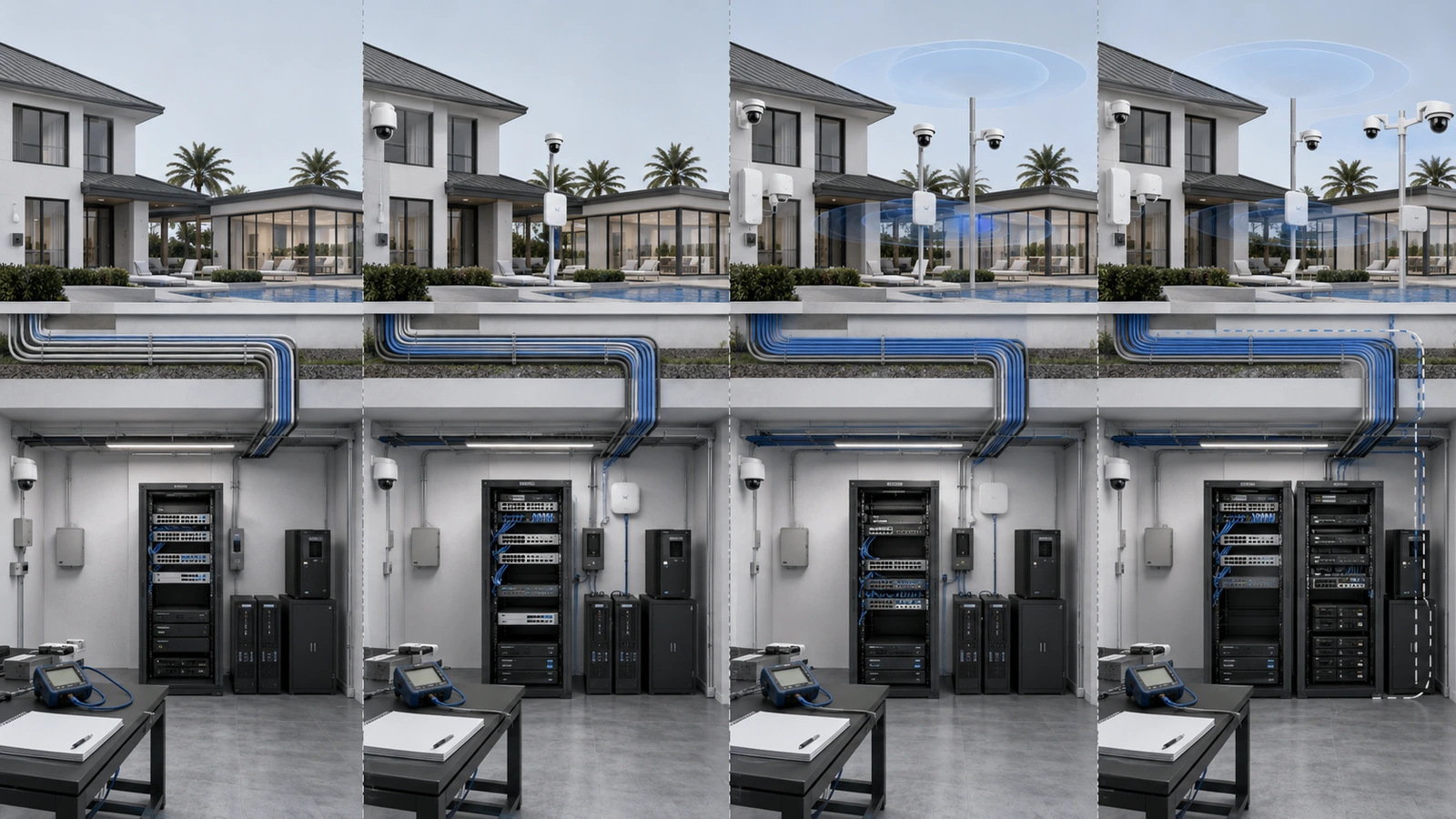
The plan should also define upgrade triggers. Examples might include sustained peak utilization, a minimum number of remaining switch ports, a PoE threshold, insufficient target camera retention, lack of usable rack positions, or the final available pathway being assigned.
Triggers allow the property to begin design and budgeting before a hard limit causes an outage or delays an approved project.
09 Make Scalability Part of Property Governance
Scalability is not a one-time design feature. It must be reviewed as technology and property operations change.
HOA boards and property managers do not need to manage technical details personally, but they should expect project proposals and support partners to explain capacity effects clearly.
Infrastructure Scalability Review Checklist
- Document current internet, switching, wireless, storage, rack, power, and pathway utilization.
- List approved and probable technology projects for the next planning period.
- Confirm available switch ports separately from available PoE power.
- Review uplinks and backbone capacity between network locations.
- Evaluate Wi-Fi under representative occupancy and application demand.
- Verify surveillance retention using current recording conditions.
- Inspect rack space, power, UPS runtime, cooling, and cable management.
- Identify remaining conduit capacity and alternate cable or fiber routes.
- Review licenses, support status, warranties, and equipment lifecycle dates.
- Define measurable upgrade triggers and responsible decision-makers.
- Update diagrams, inventories, capacity records, and capital plans after each project.
Every proposed addition should answer a broader question: what does this project consume, and what future option does it preserve or eliminate?
A new camera may consume a port, PoE capacity, recorder throughput, storage, licensing, and operational attention. A new access point may consume a port, power, uplink capacity, wireless airtime, and support resources. Looking at the complete effect prevents isolated projects from exhausting shared infrastructure unintentionally.
Final Perspective
Scalability failures are rarely caused by growth alone. They occur when predictable growth meets infrastructure that was designed as if requirements would never change.
Internet congestion, exhausted PoE budgets, overloaded wireless environments, reduced video retention, overcrowded closets, and blocked pathways are different expressions of the same planning problem.
The solution is not unlimited oversizing. Technology changes, budgets are finite, and unused equipment can become obsolete before it is needed.
A stronger approach is to measure the current environment, forecast plausible demand, preserve difficult-to-replace physical capacity, define appropriate headroom, and establish upgrade triggers before limits become emergencies.
Residential and HOA infrastructure should be treated as an evolving operational platform—not a collection of one-time installation projects.