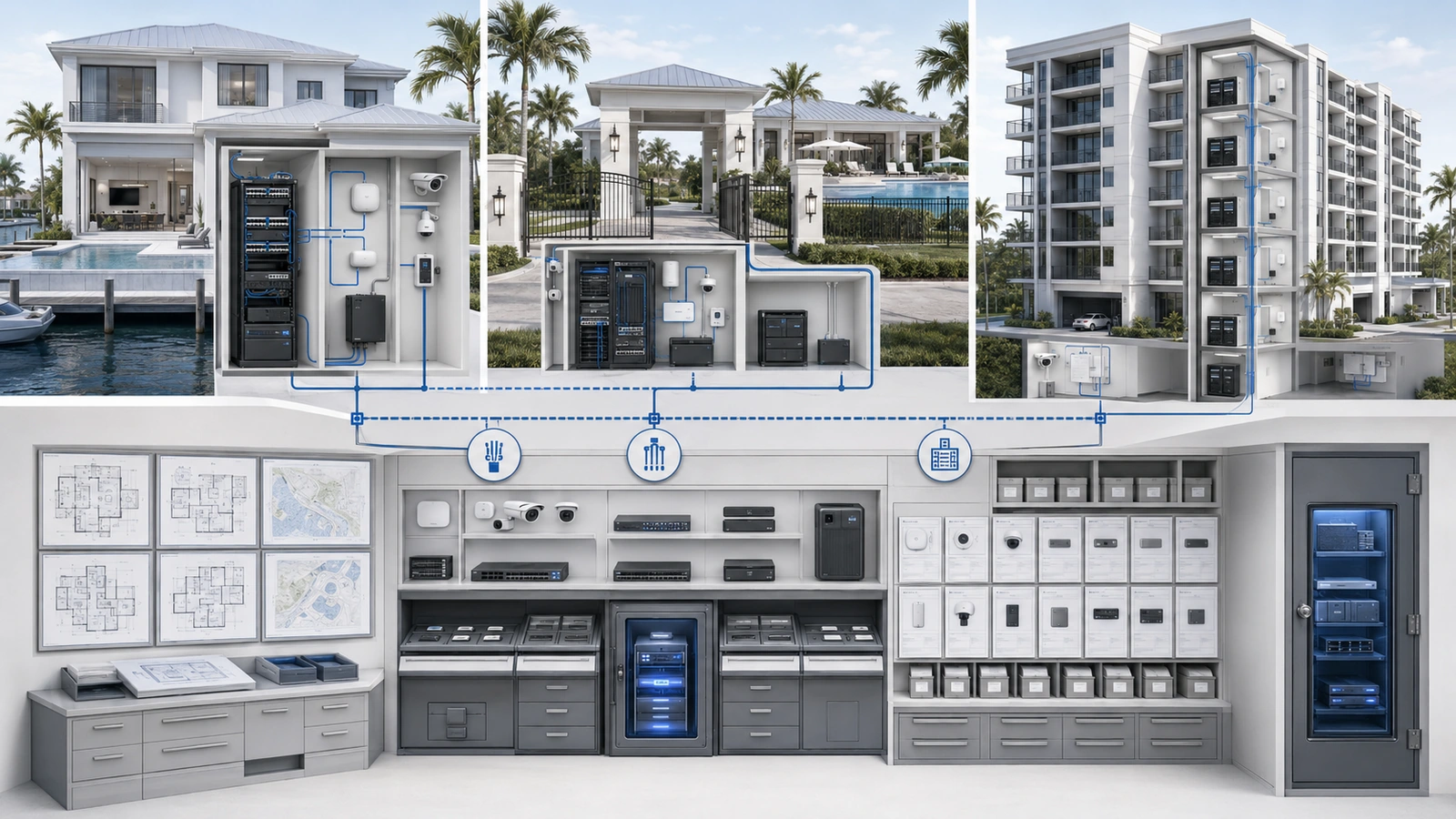
Network documentation is one of the most valuable operational assets a home, HOA, community, or multi-dwelling building can maintain.
Residential infrastructure often grows across several years and several vendors. Internet equipment may be installed in one room, switches distributed through other spaces, cameras connected to unknown ports, and cloud accounts registered to people who are no longer involved.
Everything may continue working until an outage, upgrade, renovation, or vendor transition requires someone to understand the complete environment.
Good documentation turns that environment from a collection of discovered facts into an operational system the property can support, secure, budget, and recover.
01 Establish Ownership Before Creating Documents
Documentation should begin with governance, not with a diagramming application.
The property should define:
- Which records are required
- Who owns and maintains each record
- Who approves significant revisions
- Where the authoritative version is stored
- Who may access sensitive and general information
- When updates are mandatory
- How versions and retired records are handled
- How records remain recoverable during an outage or transition
One person may perform the updates, but the information should not exist only inside that person’s private files or memory.
Vendor-maintained records should be returned to a property-controlled repository according to the project or service agreement. This allows the property to retain institutional knowledge when vendors, employees, board members, or management companies change.
Each record should display its owner, version or revision date, last review date, and current status. Draft, approved, superseded, and archived records should be distinguishable.
02 Organize Documentation Into Useful Layers
No single document can serve every technical and operational audience. A practical documentation set uses several connected layers.
| Documentation Layer | What It Explains | Typical Records |
|---|---|---|
| Governance | Ownership, authority, access, responsibilities, and review | Policies, standards, roles, exception records, review history |
| Physical | Where equipment, cabling, pathways, and power are located | Floor plans, rack elevations, cable schedules, room and enclosure records |
| Logical | How networks and major systems communicate | Topology, network segments, addressing, routing, and security-boundary summaries |
| Operational | How the environment is supported and changed | Vendor records, maintenance procedures, change logs, monitoring responsibilities |
| Lifecycle | Age, support, licensing, warranty, and replacement status | Inventory, renewal schedule, support status, capital plan |
| Recovery | How critical services and configurations are restored | Configuration backups, restoration procedures, dependencies, incident runbooks |
These layers should reference one another without duplicating sensitive information unnecessarily.
A board or property manager may need a sanitized architectural overview and lifecycle summary. A qualified administrator may require detailed logical diagrams, configuration locations, port relationships, and recovery procedures.
03 Build an Authoritative Equipment and Service Inventory
The equipment inventory is the foundation of the documentation set. It should identify significant devices and services that support the property.
Depending on the environment, the inventory may include:
- Provider handoff equipment, modems, and optical terminals
- Gateways and firewalls
- Core, distribution, and access switches
- Wireless controllers and access points
- Camera recorders and surveillance infrastructure
- Access-control and intercom controllers
- Servers, controllers, smart-property hubs, and management appliances
- Racks, cabinets, UPS systems, and environmental equipment
- Cloud-managed services, licenses, and subscriptions
Useful inventory fields include:
- Standardized device name
- Device category, manufacturer, and model
- Serial number or other asset identifier
- Physical location
- Operational purpose and system owner
- Management platform or configuration location
- Network, power, and upstream dependencies
- Support vendor and contract relationship
- Installation, warranty, support, and expected replacement information
- License or subscription status where applicable
The inventory should include operationally significant services as well as physical devices. A cloud platform, remote-management subscription, certificate, domain, or provider circuit can be just as important to continuity as a switch mounted in a rack.
04 Document Physical Infrastructure Where It Exists
Documentation should match the physical environment technicians encounter onsite.
Important locations may include:
- Main equipment rooms and network closets
- MDF and IDF spaces
- Gatehouse and security cabinets
- Clubhouse and amenity distribution points
- Outdoor enclosures
- Provider demarcation locations
- Building-to-building fiber and copper pathways
- UPS, generator, and critical power relationships
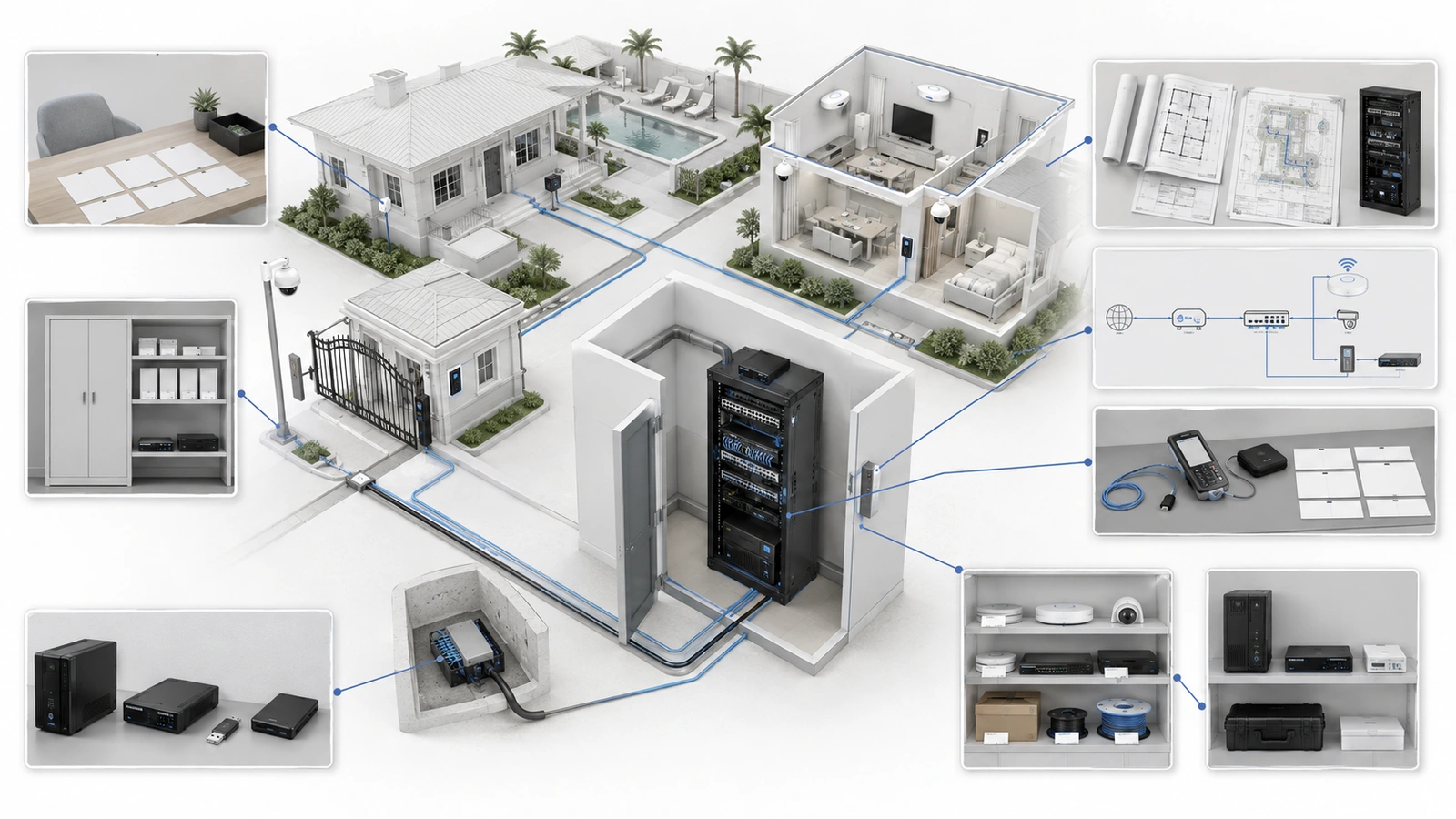
Physical records may contain floor-plan references, rack elevations, enclosure photographs, patch-panel schedules, switch-port mappings, cable identifiers, fiber assignments, conduit routes, and important power connections.
Labels should use a consistent naming convention reflected in both the field and the authoritative records. If a switch is identified as Clubhouse-SW-01 in the inventory, diagram, monitoring platform, and change log, the physical equipment should carry the same identifier.
Not every residential cable needs to be documented at the same level. Priority should be given to internet paths, uplinks, critical systems, building connections, difficult-to-replace routes, and connections whose accidental removal would create significant impact.
05 Use Diagrams for Different Operational Questions
A useful diagram should answer a defined question. Trying to place every device, cable, address, credential, and configuration detail on one page often produces a document nobody can use.
Physical diagrams show where equipment and connections are located.
Logical diagrams show how network segments, gateways, switching, wireless services, and major systems communicate.
Dependency maps show which services rely on internet, power, cloud platforms, controllers, switches, or other infrastructure.
Stakeholder summaries provide a sanitized view of the environment for planning, budgeting, board review, or vendor coordination without exposing unnecessary sensitive details.
At minimum, an architectural diagram may show:
- Internet circuits and service handoffs
- Primary gateway or firewall
- Core and distribution switching
- Building and equipment-room connections
- Wireless infrastructure
- Surveillance, access control, and other critical systems
- Backup or alternate connectivity where present
- Important network and power dependencies
Diagrams should use consistent symbols, names, dates, and version information. They should be understandable to their intended audience without requiring explanation from the original author.
06 Record Circuits, Networks, Vendors, and Dependencies
Equipment documentation alone does not explain how the property obtains service or who supports its systems.
For each internet or private circuit, record:
- Provider and service type
- Service and billing location
- Property-controlled account ownership
- Support and escalation contacts
- Provider equipment and demarcation location
- Addressing or circuit identifiers where appropriate
- Contract, renewal, and service-level information where applicable
- Which systems depend on the circuit
For each network or wireless service, document its name, purpose, intended users or devices, security boundary, owner, and general coverage or location. Authentication secrets should be referenced through their approved secure storage location rather than written into ordinary records.
Vendor records should identify the company, responsible contacts, systems supported, contract status, remote-access method, administrative scope, renewal information, and escalation path.
Dependency records should explain what happens if an upstream component becomes unavailable. For example, a gate may rely on a controller, a specific PoE switch, the local network, cloud authentication, internet access, and backup power. Understanding that chain helps teams plan maintenance and diagnose outages safely.
07 Separate Credentials, Configurations, and General Records
Network documentation contains different levels of sensitivity and should not be stored or shared as one unrestricted package.
Administrative passwords, MFA recovery information, private keys, tokens, and similar secrets belong in an approved encrypted credential vault with role-based access and a controlled recovery method.
Configuration backups should be encrypted where appropriate, versioned, stored separately from the protected device, and accessible only to authorized personnel. The documentation repository may record that a backup exists, its date, its owner, and its secure storage location without exposing the backup itself to every documentation user.
General operational records may include inventories, vendor contacts, sanitized diagrams, review dates, and lifecycle information. Detailed logical diagrams, addressing, remote-access methods, and recovery procedures may require a more restricted technical area.
This layered approach allows boards and property managers to receive the information they need without exposing credentials or unnecessary security details.
Access to documentation should be reviewed when personnel, management companies, board responsibilities, or vendors change. Former access should be removed, and property-controlled recovery should be verified.
08 Update Documentation Through the Work Process
Documentation becomes unreliable when updating it is treated as an optional activity after the technical work is complete.
Documentation updates should be required during:
- New installations and expansion projects
- Equipment replacement or relocation
- Internet-provider and circuit changes
- Network, firewall, Wi-Fi, and remote-access changes
- Vendor onboarding and offboarding
- Firmware and platform migrations
- Outages and incident recovery
- Building renovations and pathway discoveries
- Decommissioning and removal of obsolete systems
A change log should record what changed, why it changed, when it occurred, who performed and approved it, which systems were affected, how it was validated, whether a rollback occurred, and which documents were updated.
Temporary changes made during an emergency should be captured and reviewed. They must either become approved parts of the environment or be removed after normal service is restored.
The procedural relationship is covered in How to Create a Simple Network Change Management Process.
09 Review the Records Against Reality
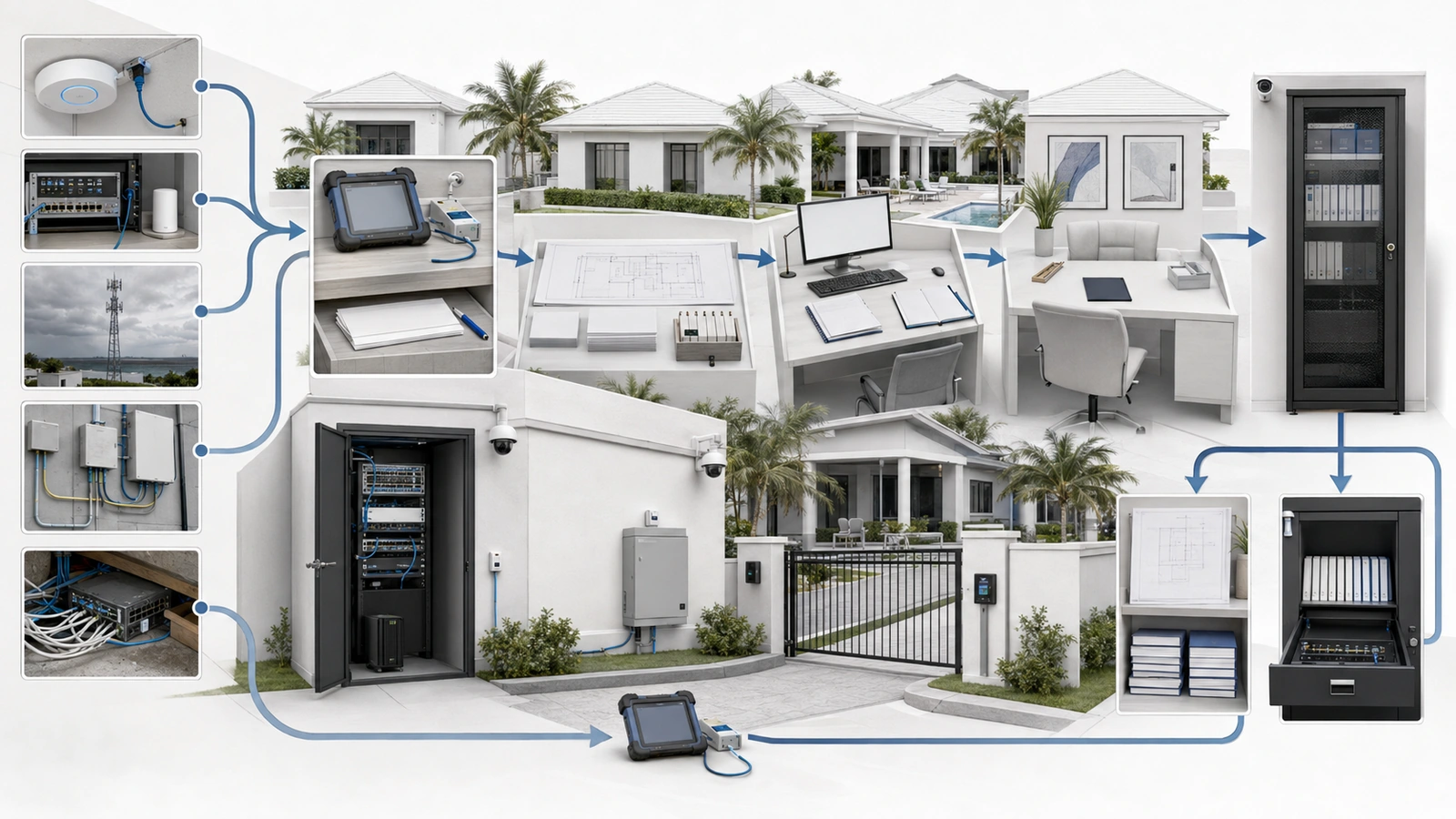
A document can look complete and still be wrong. Periodic validation should compare the authoritative record with the physical and operational environment.
Network Documentation Review Checklist
- Confirm the document owner, version, approval status, and review date.
- Reconcile the inventory with equipment and services currently in use.
- Verify important physical locations, racks, enclosures, and provider handoffs.
- Inspect critical labels, uplinks, patching, fiber assignments, and power relationships.
- Confirm that physical, logical, and dependency diagrams reflect current conditions.
- Review internet circuits, account ownership, support contacts, and renewals.
- Verify network and Wi-Fi purposes, owners, and security boundaries.
- Review vendor responsibilities, remote access, contracts, and former-vendor removal.
- Confirm that credential and configuration references point to approved secure storage.
- Check recent projects, changes, incidents, and temporary workarounds against the records.
- Remove obsolete entries or mark historical records clearly.
- Assign corrections, owners, priorities, and target dates.
Review frequency should reflect the environment’s rate of change and operational importance. Documentation should also be validated after major projects, incidents, vendor transitions, management changes, and significant equipment replacements.
Stale documentation can be more dangerous than an acknowledged information gap because responders may act confidently on incorrect information. Unknown or unverified details should be marked accordingly until they can be confirmed.
Final Perspective
Good network documentation does not require excessive complexity or perfect knowledge of every minor connection.
It requires an authoritative and maintainable record of the systems that matter: what exists, where it is located, how it connects, who owns and supports it, what depends on it, what changed, and how critical operation can be restored.
For a private home, that may be a concise inventory, diagram, account record, and recovery guide. For an HOA or MDU, it may include multiple equipment rooms, circuits, backbone paths, vendors, operational systems, policies, and lifecycle plans.
In every case, documentation should remain understandable, appropriately protected, property-controlled, and connected to the work that changes the environment.
That is what transforms documentation from a static file into operational infrastructure.