
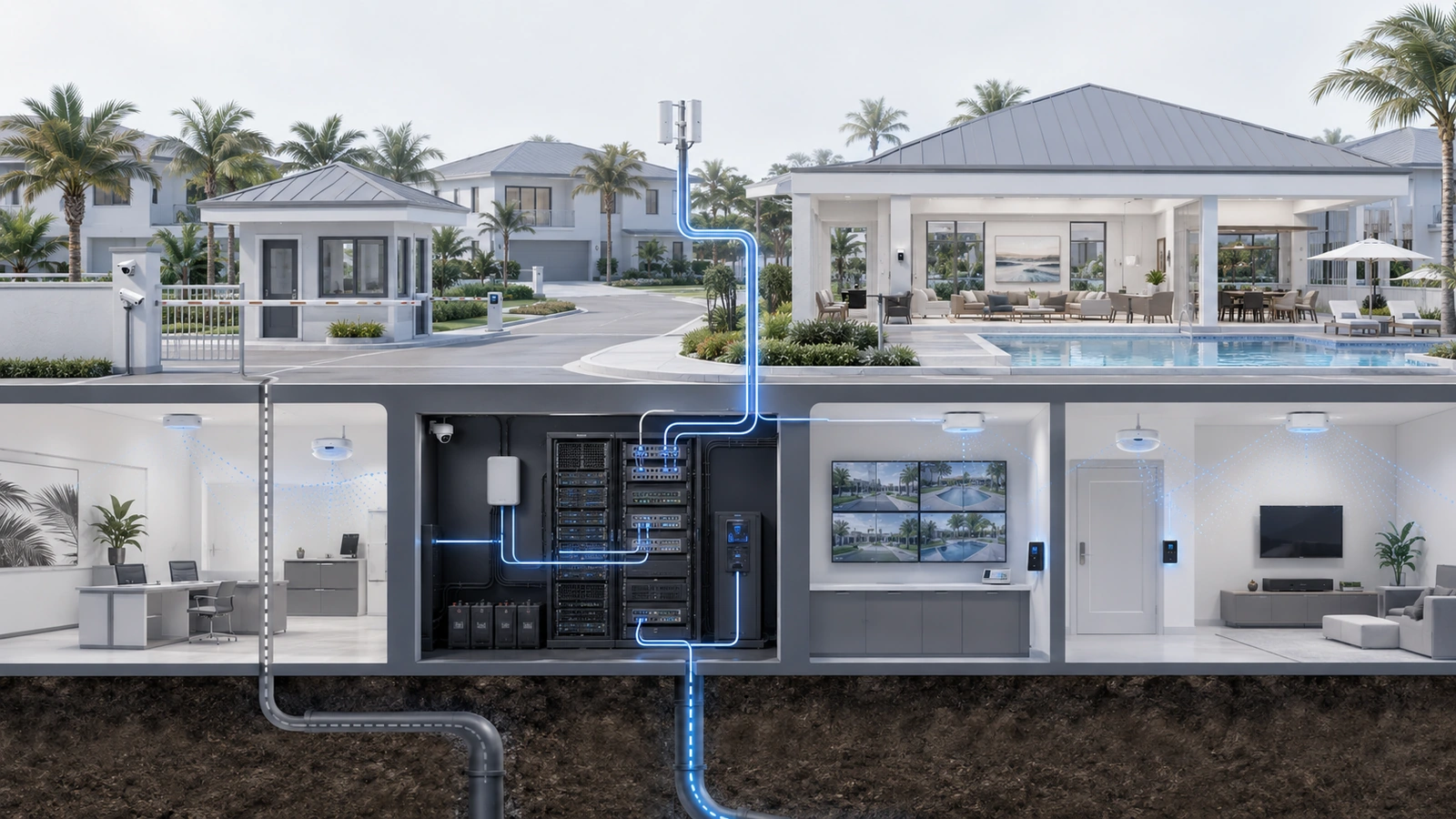
Internet outages in modern residential environments affect far more than browsing and entertainment.
Homes, condominium buildings, HOAs, clubhouses, and shared community facilities may rely on internet connectivity for remote work, cloud-managed cameras, access control, intercoms, voice services, building automation, management platforms, resident communications, and vendor support.
When connectivity fails, properties often discover dependencies that were never documented, backup services that were never tested, and systems that behave differently offline than expected.
The following lessons reflect recurring patterns observed across residential environments. They are not a single case study, and every property will have different operational priorities and technical constraints.
01 Not Every “Internet Outage” Is an ISP Outage
When an application stops working, users often describe the problem as “the internet is down.” That description may be understandable, but it does not identify the actual failure.
The interruption could exist at several different points:
- The internet provider or upstream network
- The provider’s modem, optical terminal, or service handoff
- The property’s firewall or gateway
- Domain Name System resolution
- Internal switching or fiber uplinks
- A wireless access point or wireless configuration
- A specific cloud platform or application
- Power supporting any component in the path
Wi-Fi can remain visible while the internet connection is unavailable. Conversely, internet service may be healthy at the gateway while an internal switch, access point, or configuration problem prevents users from reaching it.
Initial diagnosis should establish scope before equipment is restarted. Useful questions include:
- Is the problem affecting one device, one area, one network, or the entire property?
- Can local systems still communicate?
- Does the gateway show loss of its upstream connection?
- Are multiple external destinations unavailable, or only one service?
- Did power, configuration, construction, or provider work occur recently?
Unstructured rebooting may temporarily restore service, but it can also erase evidence and obscure an intermittent failure. Observations, alarms, timestamps, and device status should be captured when practical before disruptive recovery steps begin.
02 Map What Actually Depends on the Internet
Properties frequently know which devices are installed without knowing how those devices behave when external connectivity is lost.
A cloud-connected system may continue its local function while losing remote management. Another may require cloud authentication before an administrator can make changes. Some cameras may continue recording locally, while cloud-only cameras may lose recording, alerts, or visibility depending on their design.
Dependency mapping should identify:
- Whether the service operates locally during an outage
- Whether remote monitoring or control becomes unavailable
- Whether cloud authentication is required
- Whether events queue locally and synchronize later
- Whether time, DNS, licensing, or vendor services are required
- What happens when connectivity returns
- What manual procedure replaces the unavailable function
| Service Type | Possible Outage Behavior | Planning Question |
|---|---|---|
| Locally managed system | May continue locally but lose remote support or notifications | Can authorized staff still operate it onsite? |
| Cloud-managed system | Local function may continue while management or visibility is reduced | Which functions require active cloud access? |
| Cloud-dependent service | Core functionality may be limited or unavailable | What manual or alternate workflow is available? |
| Internet-based communication | Calling, messaging, or notifications may fail | How will staff and residents receive updates? |
| Remote-access platform | Outside support may lose access to otherwise functioning local equipment | Who can diagnose or operate the system onsite? |
Offline behavior should be verified through documentation and controlled testing where appropriate. Assumptions based only on a product being described as “smart,” “local,” or “cloud-managed” are not sufficient.
03 Critical Services Need Explicit Priority
Not every connected service requires the same level of continuity.
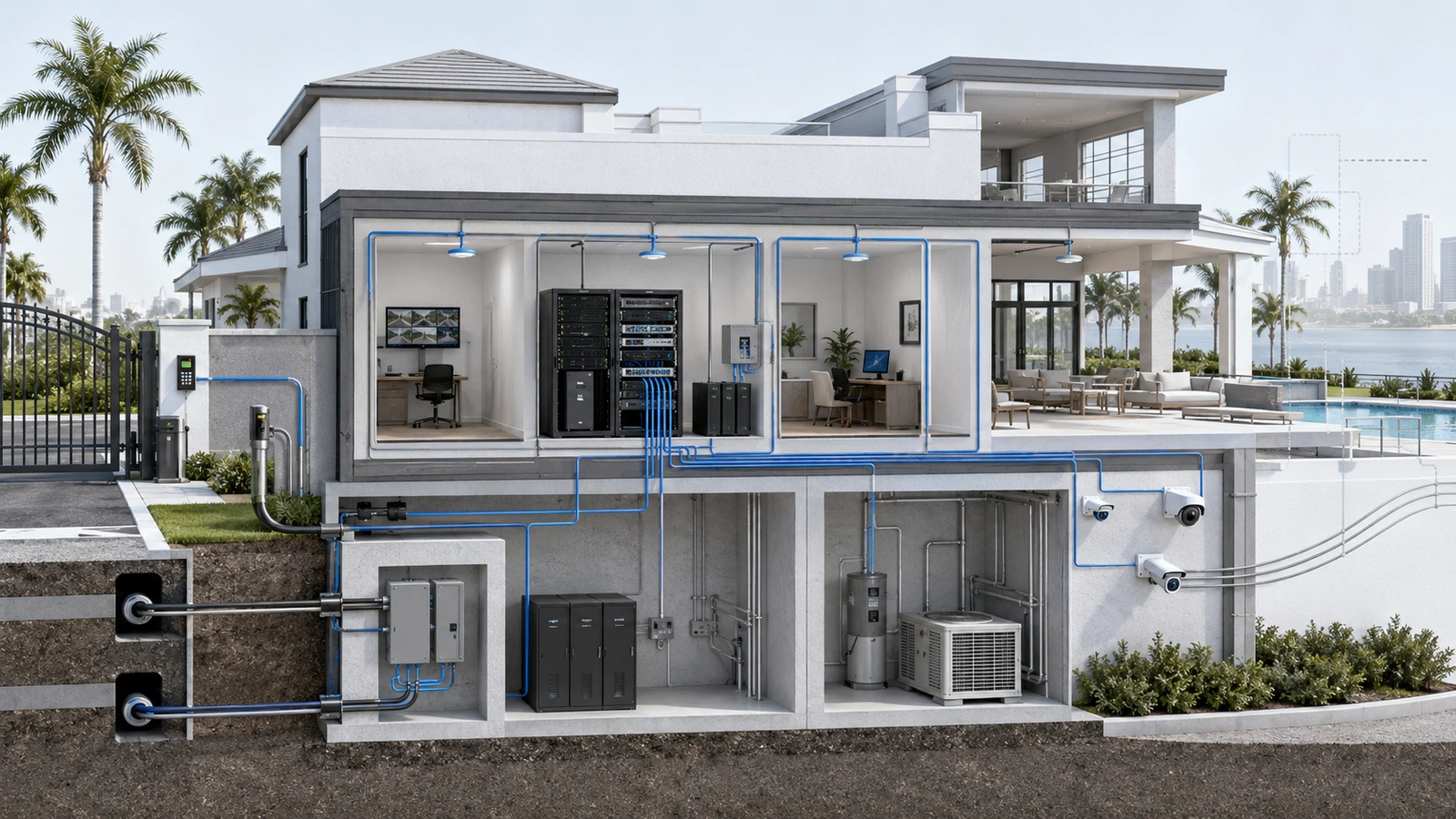
During a limited-capacity failover event, the property may need to prioritize security, access, staff communication, management systems, or essential remote support ahead of guest streaming, software downloads, general browsing, and nonessential cloud synchronization.
Priorities should be determined before an incident and translated into technical and operational controls. Depending on the environment, those controls may include:
- Network segmentation
- Traffic policies or bandwidth limits
- Restricted guest service during failover
- Suspension of nonessential backups and updates
- Dedicated continuity for selected operational systems
- Manual procedures for services that cannot be sustained
Prioritization should not be confused with unlimited capacity. Traffic policies can allocate a constrained connection more deliberately, but they cannot make a limited cellular or secondary circuit equivalent to the primary service.
The property should define an acceptable reduced operating mode: what remains available, what becomes restricted, and who is authorized to make those decisions.
04 Backup Internet Has Its Own Failure Modes
Secondary connectivity can materially improve continuity, but the word “backup” does not guarantee independence or suitability.
Common options include:
- A second wired circuit from the same provider
- A circuit from a different provider
- Cellular connectivity
- Fixed wireless service
- Other location-appropriate wireless or satellite services
Each option should be evaluated for physical-path diversity, upstream-provider relationships, equipment location, signal quality, data limits, latency, addressing behavior, contractual terms, and expected performance during regional disruptions.
Two circuits may enter the property through the same conduit or depend on shared upstream infrastructure. Cellular performance may decrease during a widespread power or weather event as more users depend on the same network. A backup connection may also use private addressing that affects inbound services, virtual private networks, or certain remote-access designs.
The appropriate solution depends on service criticality and the consequences of downtime. A private residence, staffed gatehouse, community office, and large shared amenity environment may justify different continuity designs.
Redundancy should be described accurately: it reduces selected risks but does not eliminate every common dependency.
05 Automatic Failover Must Be Designed and Tested
A gateway may support automatic WAN failover, but enabling the feature is only the beginning.
The system must determine when the primary connection is genuinely unusable, move traffic to the alternate service, and later return it safely. Poor detection settings can cause delayed failover, premature switching, or repeated movement between unstable connections.
Even correctly configured failover may interrupt active sessions because the property’s public address or path changes. Video calls, virtual private networks, voice sessions, remote administration, and cloud applications may need to reconnect.
A failover test should examine:
- How quickly failure is detected
- Which networks and services use the backup connection
- Whether critical DNS resolution continues
- How active sessions behave during transition
- Whether remote management remains available
- Whether bandwidth-intensive services are restricted
- How alerts and status notifications are delivered
- How the system returns to the primary connection
- Whether logs clearly record both transitions
Testing should represent the intended reduced operating mode, not merely confirm that one laptop can open a webpage through the backup connection.
06 Power Continuity Defines Connectivity Continuity
A secondary internet connection cannot help if the equipment required to use it loses power.
The complete connectivity path may include:
- Provider handoff equipment
- Modems or optical network terminals
- Firewalls and gateways
- Core and distribution switches
- Wireless access points
- Cellular or fixed-wireless equipment
- Controllers and management appliances
UPS planning should consider the load and required runtime of the complete critical path. Protecting the gateway while the switch powering access points shuts down does not preserve useful wireless connectivity.
The upstream provider may also lose service even when property equipment remains powered. Backup power protects against selected local interruptions; it does not guarantee that the provider’s outside infrastructure remains available.
Properties should understand which systems are supported by UPS, generator, or another emergency source; how long they are expected to operate; and how they should recover after extended depletion.
Battery condition, load, temperature, age, alarms, and replacement procedures require ongoing review. A UPS that appears normal during everyday operation may not deliver its expected runtime during an actual outage if it has not been maintained or tested appropriately.
07 Outage Communication Is Part of Incident Response
Technical work and operational communication must occur in parallel.
Residents, guests, staff, board members, and vendors need information appropriate to their roles. Without a communication plan, support teams may become overwhelmed by repeated reports while decision-makers receive incomplete or conflicting updates.
A useful incident communication should state:
- When the disruption was identified
- Which services or areas are known to be affected
- Whether the issue is internal, provider-related, or still under investigation
- Which temporary procedures are active
- When the next update will be provided
- How restoration will be confirmed
Estimated restoration times should be attributed to the provider or responsible party when available, not presented as guarantees by property staff.
The communication method must also survive the failure being discussed. If email, cloud messaging, or internet-based phones are unavailable, the property may require alternate contact paths for staff, vendors, and essential stakeholders.
08 Recovery Requires More Than Waiting for the Provider
Provider restoration does not always mean that every property service has recovered.
Gateways may require renewed addressing, tunnels may need to reconnect, cloud devices may remain offline, wireless equipment may have restarted in an unexpected sequence, and internal systems may still be affected by the power event that accompanied the outage.
A structured recovery process should verify:
- Stable primary internet connectivity
- Correct gateway and DNS operation
- Return from failover without repeated switching
- Core switching and wireless availability
- Critical local and cloud-managed systems
- Remote access and vendor-management connections
- Voice, notification, and monitoring services
- Queued data, recordings, alerts, and synchronization
Any temporary configuration introduced during troubleshooting should be documented, reviewed, and either formalized or removed. Otherwise, an emergency workaround may become an undocumented permanent dependency.
Accurate diagrams, account ownership, vendor contacts, circuit information, and recovery instructions make this process considerably more controlled. See The Hidden Cost of Undocumented Networks.
09 Turn Every Outage Into a Better Continuity Plan
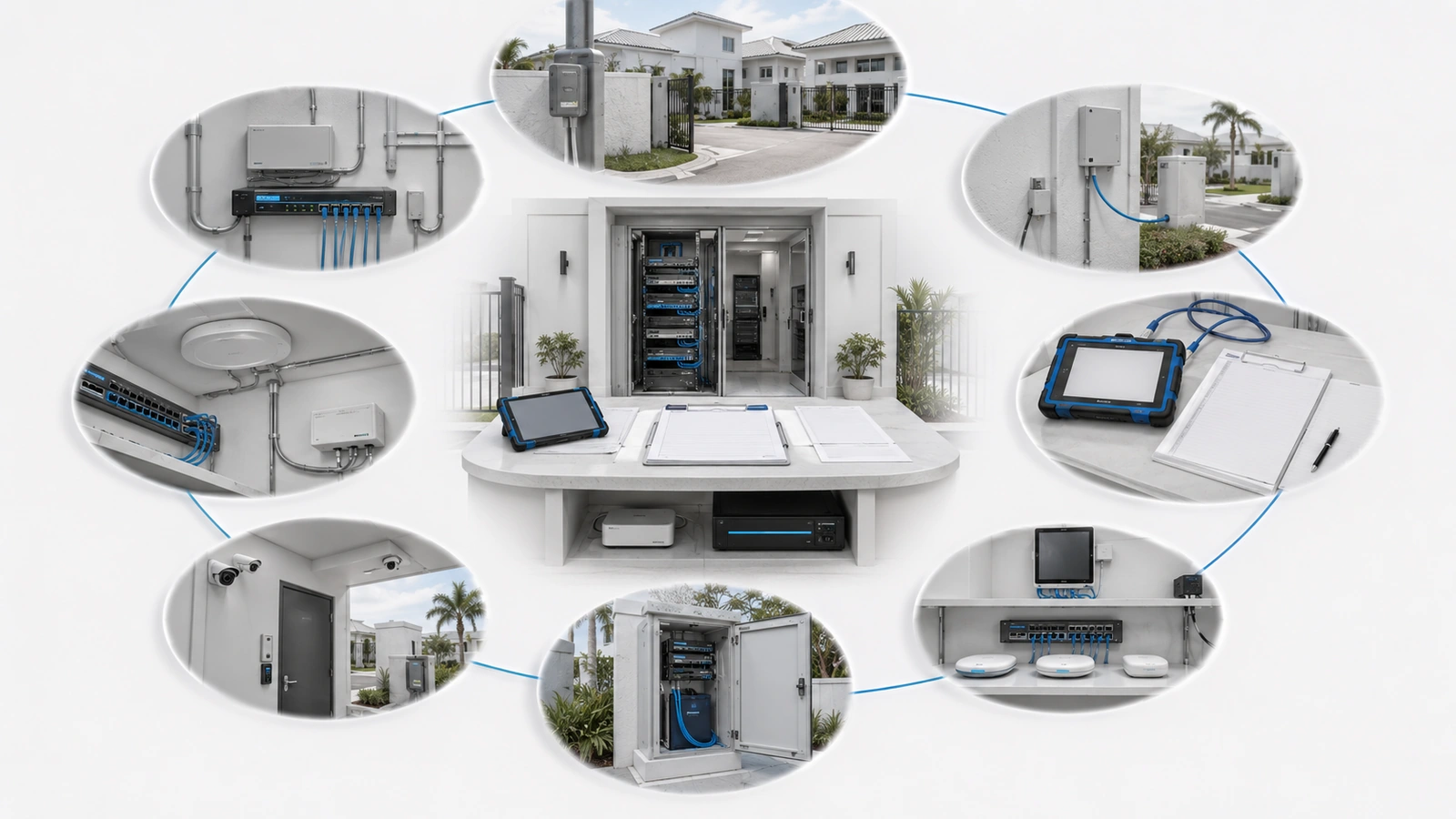
An outage can expose weaknesses that remain invisible during normal operation. The value comes from reviewing those findings and assigning corrective actions after service returns.
Post-Outage Review Checklist
- Record when the incident began, was detected, escalated, mitigated, and resolved.
- Identify the confirmed failure point and contributing conditions.
- Separate provider, power, internal network, wireless, DNS, and cloud-service effects.
- List every operational service affected and how it behaved.
- Review whether backup connectivity activated as designed.
- Confirm whether critical traffic received appropriate priority.
- Compare actual UPS performance with expected runtime.
- Review alerts, escalation contacts, and stakeholder communications.
- Document temporary changes and restore approved configurations.
- Update dependency maps, diagrams, runbooks, and vendor records.
- Assign corrective actions, owners, priorities, and target dates.
- Schedule the next controlled continuity test.
The review should distinguish between measures that improve convenience and those that preserve genuinely important operations. This helps the property invest according to consequence rather than reacting equally to every disconnected device.
Final Perspective
Internet outages are unavoidable possibilities, even in well-designed environments. Fiber can be damaged, provider equipment can fail, power can disappear, gateways can malfunction, and cloud platforms can become unavailable.
The operational difference is whether the property encounters those failures with known priorities and tested procedures or begins discovering its dependencies after services are already down.
Resilient residential infrastructure identifies critical functions, separates external and internal failure domains, provides appropriate connectivity and power alternatives, communicates clearly, verifies full recovery, and incorporates lessons into the next version of the plan.
The goal is not to promise uninterrupted service. It is to ensure that a foreseeable internet disruption does not become an uncontrolled property-wide operational event.