
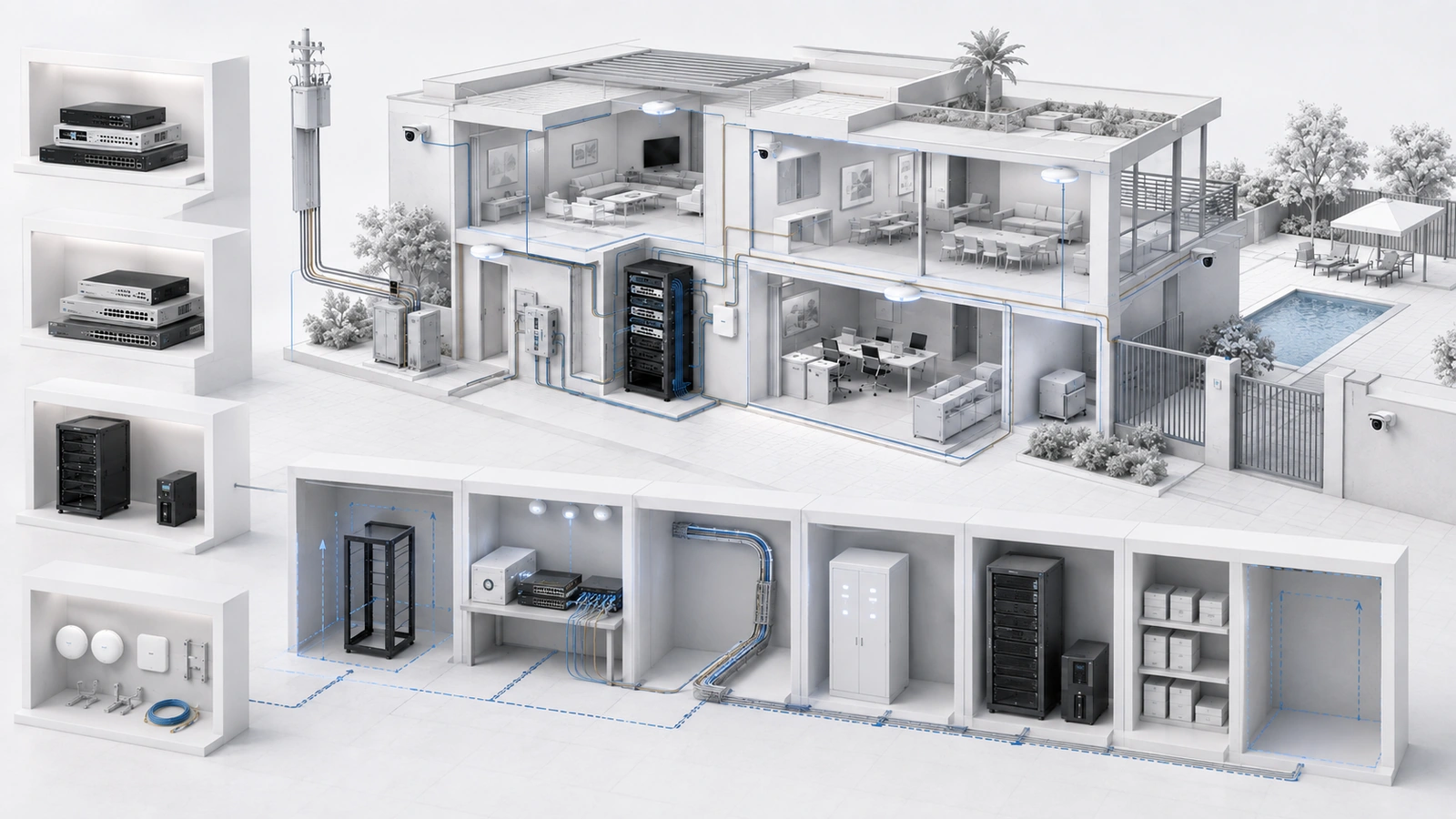
Networking equipment is easy to overspend on because product comparisons emphasize maximum speeds, radio generations, processor specifications, and enterprise features without explaining whether a particular property will benefit from them.
It is equally easy to underbuy by selecting the least expensive device without considering PoE, coverage, security, management, support, or expansion.
The right equipment is not necessarily the cheapest or the most powerful. It is the equipment that meets measurable requirements, fits the property’s support model, and remains economically sustainable throughout its useful life.
01 Define the Environment Before Comparing Products
Product selection should begin only after the property’s environment and use cases are understood.
Document:
- Property size, construction, buildings, floors, and outdoor areas
- Internet service and expected performance
- Current users, devices, and peak occupancy
- Expected growth and approved future projects
- Wired endpoints and wireless coverage areas
- Cameras, access control, intercoms, phones, AV, and smart systems
- Staff, guest, resident, vendor, and operational networks
- Remote access, VPN, failover, and security requirements
- Existing cabling, fiber, racks, panels, power, and cooling
- Management expertise, vendor support, and documentation requirements
A small residence with one equipment location and modest connectivity needs may be served well by a capable integrated device. A clubhouse supporting staff, guests, cameras, access control, outdoor Wi-Fi, remote vendors, and several network segments requires a different architecture.
The environment defines the equipment. The equipment should not be purchased first and then forced into the property.
02 Separate Requirements Into Three Levels
A simple requirements hierarchy helps prevent both underbuying and speculative overspending.
| Requirement Level | Definition | Purchase Treatment |
|---|---|---|
| Must-have | Required for current operation, security, compatibility, or service continuity | Equipment must satisfy it before being considered |
| Expected growth | Supported by an approved project, predictable demand, or realistic lifecycle forecast | Preserve practical capacity or a defined upgrade path |
| Optional | Potentially useful but not tied to a documented requirement | Purchase only when the incremental value justifies its cost and complexity |
Examples of must-have requirements may include sufficient PoE for approved cameras and access points, a defined number of network segments, VPN support, or hardware compatible with the available rack.
Expected growth might include additional camera locations, a planned outdoor amenity, or a known internet upgrade.
A premium feature that nobody is trained or authorized to use belongs in the optional category, even if it sounds impressive.
03 Size the Gateway and Firewall for Real Work
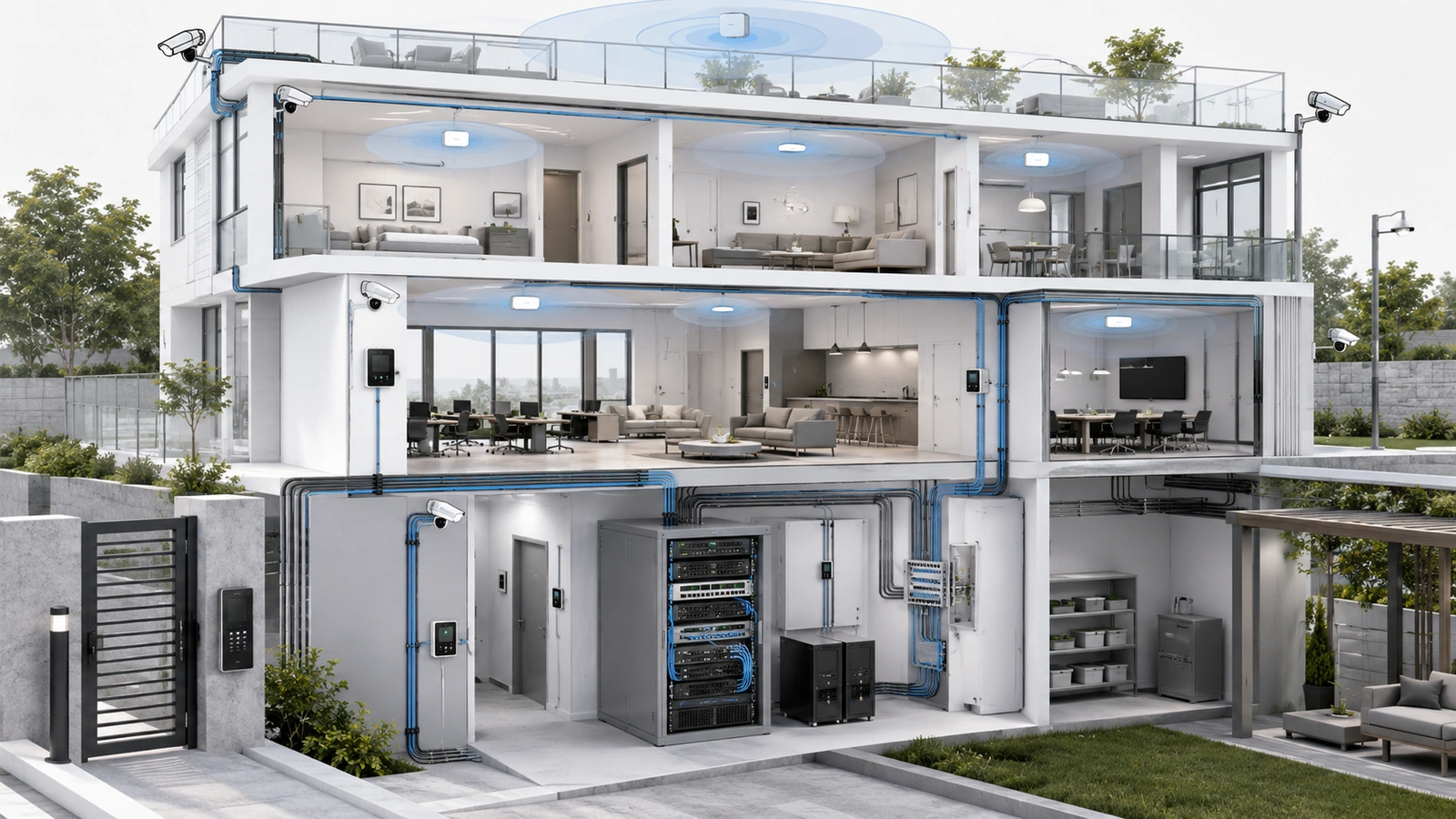
Gateway specifications often display a maximum routing rate that does not represent performance with security inspection, VPN, traffic analysis, or other operational features enabled.
Evaluate:
- Internet speed and expected utilization
- Throughput with required firewall or security functions active
- Number of devices and simultaneous connections
- Required network segments and routing policies
- Remote-access and site-to-site VPN requirements
- Primary and secondary WAN support
- Failover detection and traffic-prioritization capabilities
- Logging, monitoring, alerts, and configuration backups
- Licensing and subscription requirements
- Support lifecycle and replacement availability
Buying far beyond the property’s measurable requirement may add cost without operational benefit. Buying at the exact current limit may require premature replacement when internet service, security inspection, device count, or network segmentation expands.
The appropriate choice provides reasonable headroom and a known upgrade path without depending on hypothetical demand.
04 Calculate Switching Instead of Guessing
Switch selection involves more than port count.
Create an endpoint schedule listing every planned connection, such as:
- Access points
- Cameras
- Computers, printers, and phones
- Access-control and intercom devices
- AV equipment and controllers
- Servers and management appliances
- Uplinks to gateways, switches, buildings, or floors
Then evaluate:
- Required copper and fiber ports
- Ports reserved for uplinks and aggregation
- PoE standard required by each powered device
- Total expected PoE demand and available budget
- Uplink speed and aggregate traffic
- VLAN, monitoring, redundancy, and management features
- Rack, enclosure, temperature, acoustic, and electrical conditions
- Configuration backup, support, and replacement procedures
A switch can have sufficient ports but insufficient PoE. It can also have enough PoE while lacking suitable uplinks or fiber interfaces.
Managed capability should be purchased because the property requires segmentation, visibility, configuration control, or coordinated support—not simply because “managed” sounds more professional.
05 Choose Access Points Through Design
Access-point selection should follow coverage and capacity planning rather than an advertised square-foot rating.
Consider:
- Building materials and layout
- Expected clients per area during representative use
- Applications and performance requirements
- Available radio spectrum and neighboring interference
- Mounting location, orientation, and aesthetics
- Indoor, outdoor, temperature, and weather requirements
- Wired backhaul speed
- PoE requirements
- Wireless security and network-segmentation support
- Client-device compatibility
- Controller, cloud, and licensing dependencies
A newer wireless generation does not automatically solve poor placement, insufficient backhaul, interference, or device-density problems.
Likewise, purchasing the highest-end access point for every location may provide little value if client devices cannot use its additional capabilities or if the upstream network remains the limiting layer.
Use appropriate models by location and requirement. A high-density event room, residential bedroom, outdoor pool deck, and equipment corridor do not necessarily need identical hardware.
06 Decide When Components Should Be Combined
An all-in-one gateway may combine routing, firewall, switching, wireless access, and management.
That can be the correct value choice when:
- The property is small
- One location provides appropriate wireless coverage
- Wired and PoE requirements are limited
- Security and segmentation needs are straightforward
- The integrated device meets real performance requirements
- Simplified support is more valuable than independent replacement
Separate components become more useful when:
- Several access-point locations are required
- PoE switching must support many devices
- Multiple buildings, floors, or equipment areas exist
- Security policies and network segments become more complex
- Independent scaling or replacement provides lifecycle value
- Failure of one appliance would interrupt too many functions
Separating roles can improve flexibility, but every additional component requires space, power, configuration, updates, documentation, and support.
07 Calculate Total Lifecycle Cost
The purchase price is only one part of equipment cost.
Total lifecycle cost may include:
- Shipping, tax, mounts, optics, modules, power supplies, and accessories
- Cabling, pathways, termination, testing, and construction
- Rack space, electrical work, UPS capacity, and cooling
- Installation, configuration, migration, and validation labor
- Cloud management, security, storage, or per-device subscriptions
- Support agreements and warranty extensions
- Training, documentation, and operational administration
- Energy consumption and battery replacement
- Spare equipment and emergency procurement
- Future migration, data export, and decommissioning
A lower-cost device may become expensive if it requires early replacement, lacks configuration portability, creates excessive support labor, or depends on growing subscriptions.
A more expensive device may still be poor value if the property never uses its features or cannot support its complexity.
Compare realistic lifecycle scenarios over the intended planning period rather than installation cost alone.
08 Evaluate Management and Ecosystem Fit
Equipment must fit the people and processes responsible for operating it.
Evaluate:
- Administrative ownership and MFA
- Local and cloud management behavior
- Configuration backup and restoration
- Monitoring, alerts, logs, and troubleshooting visibility
- Firmware process and support lifecycle
- Documentation quality and availability of qualified support
- Licensing, renewals, and feature dependencies
- Data and configuration export
- Interoperability with existing infrastructure
- Migration options if the platform changes
Using one ecosystem can simplify management and compatibility. Mixing platforms can preserve component independence or allow specialist systems to serve different requirements.
Neither approach is automatically superior. The property should understand the operational boundaries and avoid unnecessary fragmentation or dependence.
A discount on hardware does not compensate for inaccessible administration, unavailable support, uncontrolled cloud ownership, or a platform the property cannot maintain.
09 Buy in Deliberate Phases
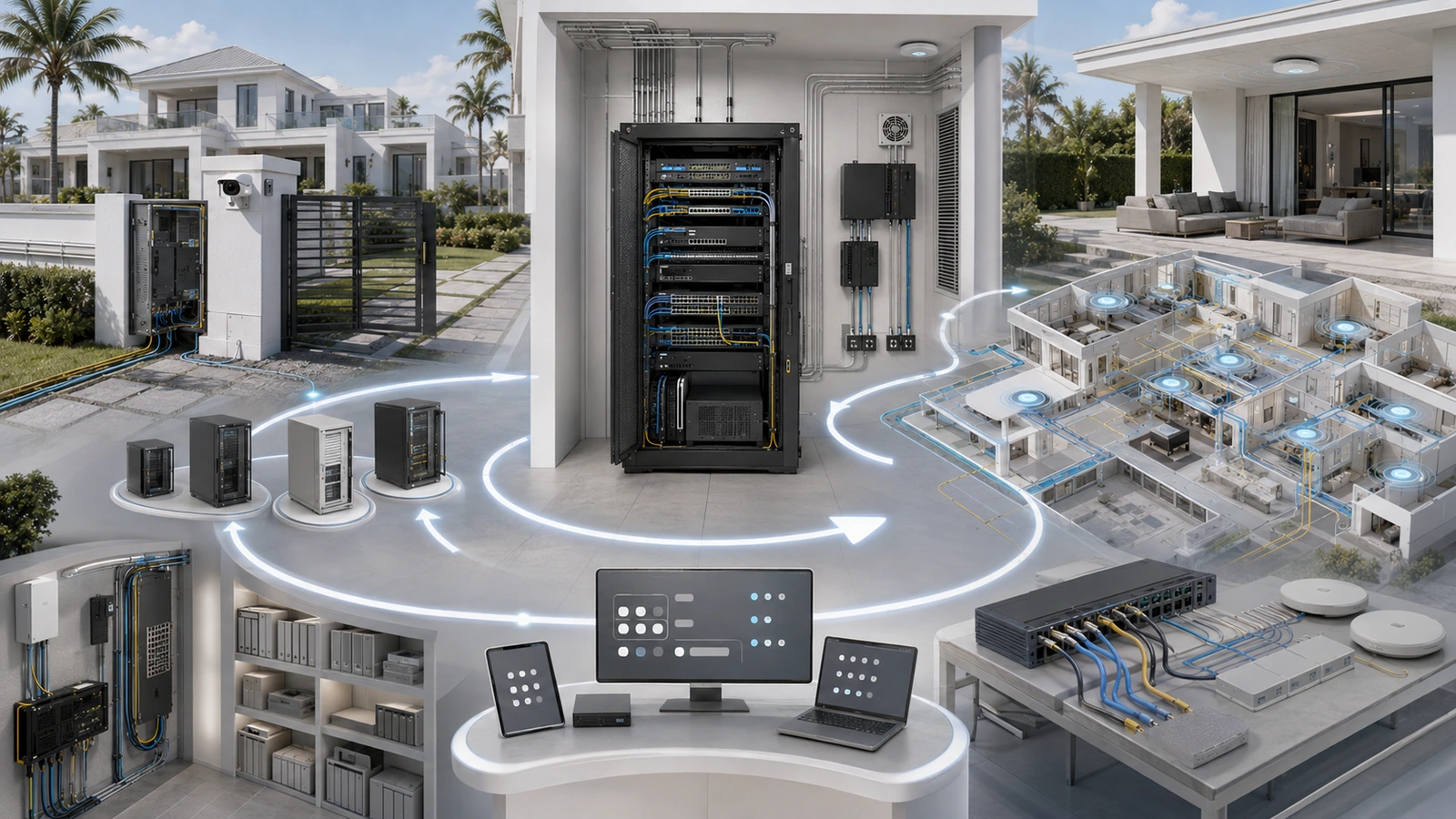
A complete replacement is not always necessary. Targeted upgrades can solve the real constraint while preserving usable infrastructure.
A phased approach may:
- Assess and document the current environment.
- Correct unsafe, unsupported, or failing infrastructure.
- Repair cabling, power, rack, or pathway constraints.
- Replace the actual performance or management bottleneck.
- Validate results under representative use.
- Expand only when measured demand or approved projects justify it.
Network Equipment Purchase Checklist
- Define the property, users, devices, systems, coverage, and operational requirements.
- Separate must-have, expected-growth, and optional features.
- Confirm the architecture before selecting models.
- Compare gateway performance with required features enabled.
- Calculate switch ports, PoE standards, total power budget, and uplinks.
- Design access-point locations before deciding quantity and model.
- Review cabling, fiber, rack, power, UPS, cooling, and mounting requirements.
- Identify licensing, subscriptions, cloud dependencies, and renewal costs.
- Evaluate support lifecycle, warranties, documentation, and qualified service availability.
- Confirm account ownership, configuration backups, data export, and migration options.
- Calculate complete installed and lifecycle cost.
- Document what evidence would trigger the next upgrade phase.
The underlying component roles are explained in Core Network Components Explained: Router, Switch, Access Point, and Firewall.
The complete architecture is covered in Building a Reliable Network Stack for Homes, Communities, and MDUs.
Final Perspective
Choosing networking equipment without overspending requires more discipline than simply selecting a cheaper model.
The property must understand its present requirements, expected growth, physical constraints, support capability, lifecycle obligations, and consequences of failure.
Reasonable headroom protects against predictable expansion. A defined upgrade path protects against uncertain demand. Total-cost analysis prevents low purchase prices from hiding long-term subscriptions, labor, and migration expense.
The best equipment choice is the one that fits the architecture, meets measurable requirements, remains manageable, and can be replaced or expanded without unnecessary disruption.
That conclusion should remain the same regardless of which product is currently discounted, commercially promoted, or available through an affiliate relationship.