
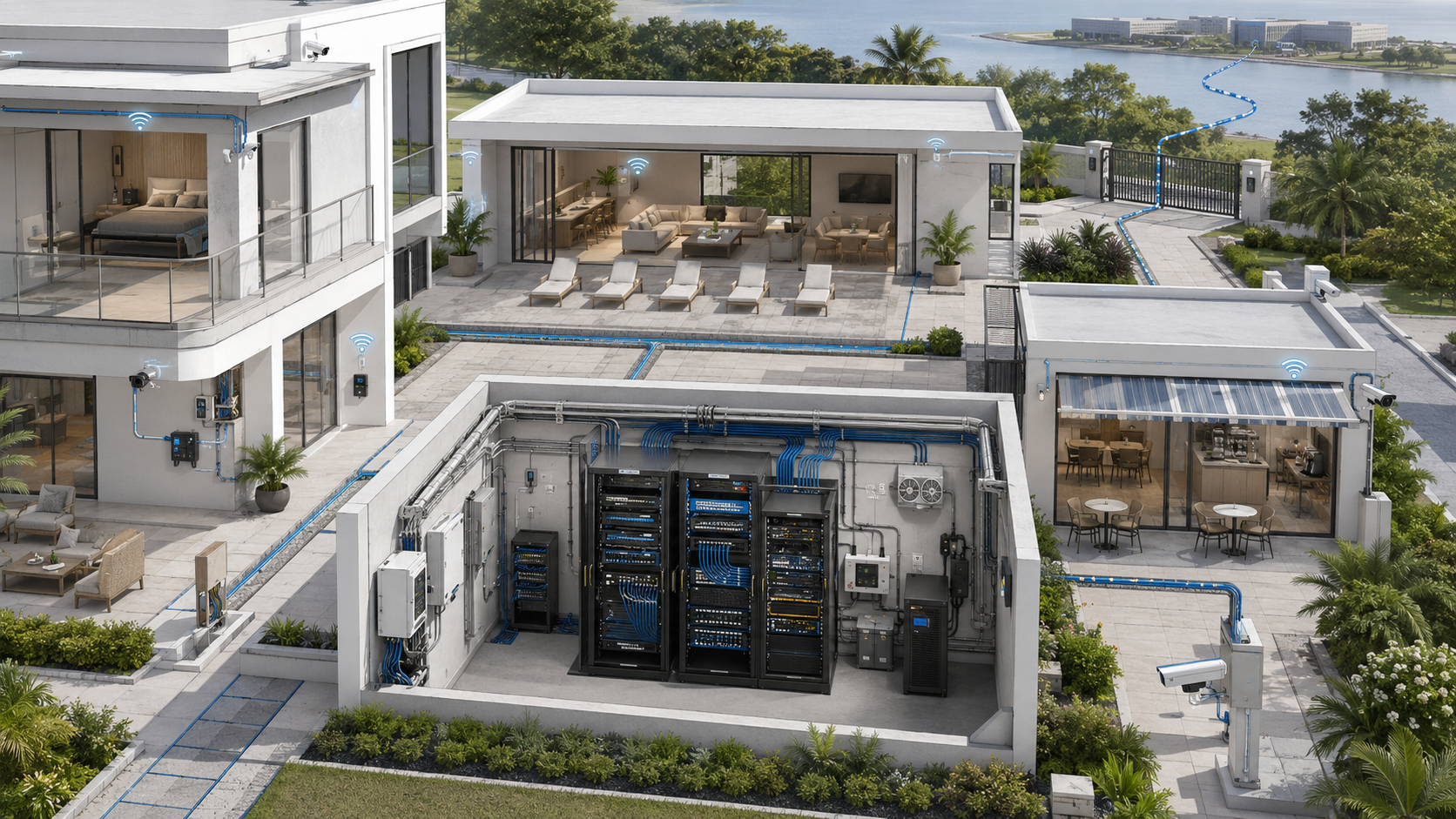
Infrastructure failures in modern properties rarely begin with one dramatic event. More often, they develop through a series of reasonable-looking decisions: an access point placed where installation is easiest, a switch added without documentation, a cloud platform selected without an exit plan, or a renovation completed without spare pathways.
Each decision may solve an immediate problem. Over time, however, the property accumulates hidden dependencies, capacity limitations, security exposure, inconsistent standards, and systems that only one vendor or individual understands.
The resulting symptoms are familiar: unreliable Wi-Fi, recurring outages, crowded equipment spaces, expensive service calls, unsupported devices, fragmented apps, and upgrades that require more reconstruction than expected.
These are not always hardware failures. They are frequently architecture, governance, and lifecycle failures. Understanding those patterns helps a property correct the foundation instead of repeatedly treating symptoms.
Key Takeaway
Infrastructure reliability depends less on owning the most expensive equipment than on making coordinated decisions about pathways, capacity, placement, power, security, ownership, documentation, maintenance, and recovery.
01 Mistake: Installing Technology Before Designing Its Foundation
Visible technology often receives the most attention during construction and renovation. Stakeholders discuss cameras, access points, smart locks, displays, speakers, sensors, and mobile applications while the supporting infrastructure remains loosely defined.
That foundation may include:
- Copper and fiber pathways
- Equipment rooms and enclosures
- Switching, routing, and internet services
- Power, backup power, grounding, and environmental control
- Wireless coverage and wired backhaul
- Network and security boundaries
- Administrative access and monitoring
- Documentation and operational ownership
A camera project becomes difficult when no cable pathway reaches the required location. A smart-property platform becomes unreliable when its controllers share unstable power. A high-capacity access point underperforms when its uplink, switch, or placement cannot support it.
The correct sequence begins with requirements and dependencies. What workflow does the system support? Where must it operate? What does it need from the building? Who owns it? How will it be repaired, replaced, or removed?
Equipment selection should follow those decisions.
02 Mistake: Treating Symptoms as Root Causes
Infrastructure complaints are often described through the most visible symptom: “The internet is slow,” “The Wi-Fi keeps dropping,” “The camera is offline,” or “The smart system stopped working.”
Several failure layers can create nearly identical experiences.
| Visible Symptom | Possible Root Causes | Better Diagnostic Direction |
|---|---|---|
| Slow wireless service | Coverage, airtime, interference, client behavior, backhaul, gateway, ISP, or application | Compare wired and wireless performance, locations, devices, and service layers |
| Device repeatedly offline | Power, cabling, addressing, Wi-Fi, cloud service, firmware, or endpoint failure | Correlate network, power, device, and platform events before replacing hardware |
| Several systems fail together | Shared switch, gateway, internet path, DNS, power, room, or cloud dependency | Identify the common service path and failure domain |
| Upgrade cannot be completed | Pathway, power, rack, distance, licensing, compatibility, or ownership limitation | Survey passive infrastructure and contractual dependencies before selecting equipment |
| Troubleshooting takes too long | Missing diagrams, unknown credentials, unclear ownership, or undocumented changes | Restore authoritative records and define escalation responsibility |
Replacing equipment without isolating the failing layer can produce an expensive temporary improvement—or no improvement at all. Diagnosis should follow the complete service path from endpoint through local infrastructure, power, internet, and external platforms.
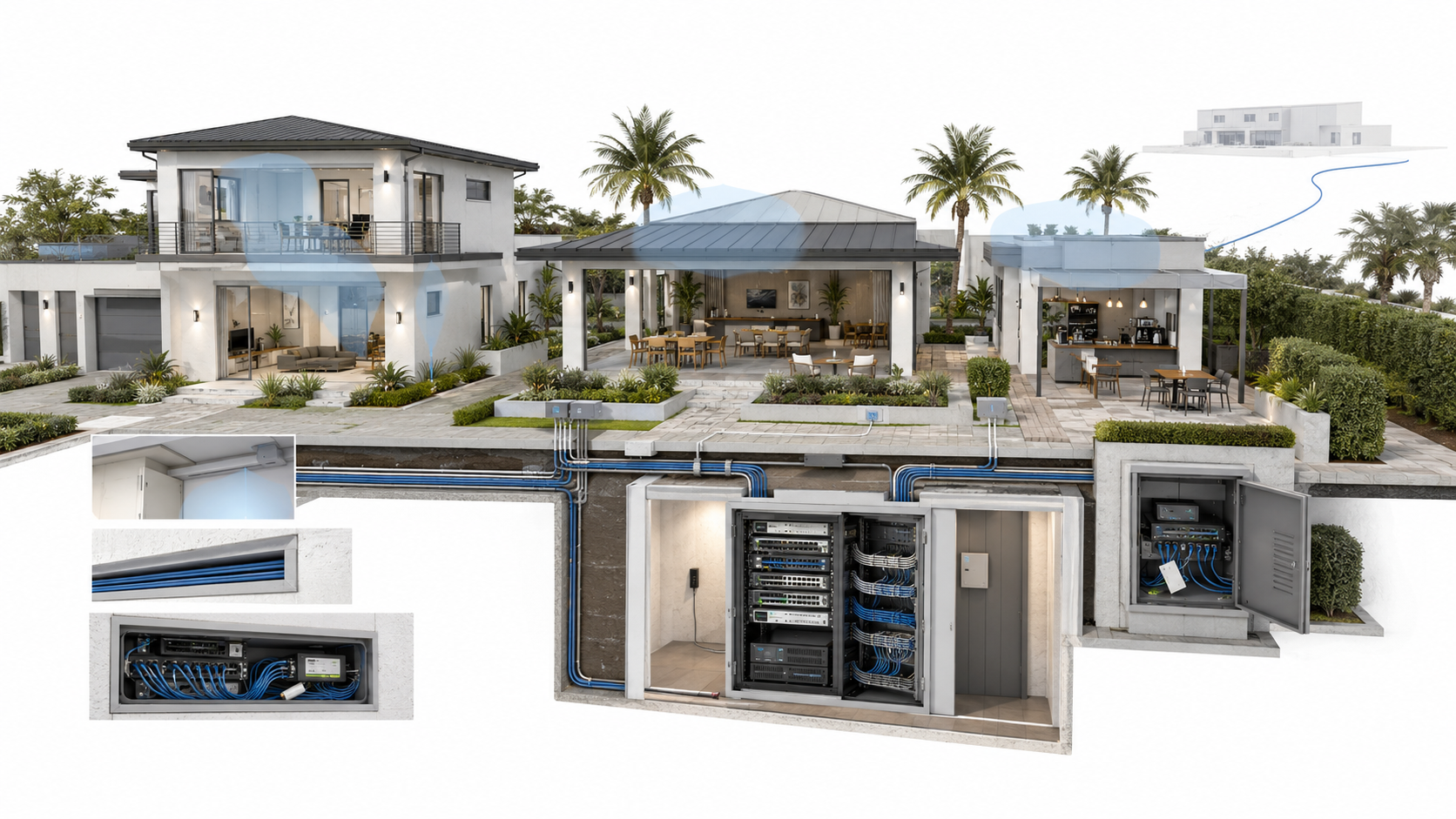
03 Mistake: Designing Wi-Fi Around Installation Convenience
Access points are frequently placed where cabling already exists, where power is available, or where the device remains hidden. Those locations may include closets, metal enclosures, garages, equipment rooms, corners, or spaces behind televisions.
Installation convenience is a legitimate constraint, but it should not become the primary wireless-design method.
Wi-Fi performance depends on:
- Building materials and room geometry
- User and device locations
- Coverage and capacity requirements
- Channel reuse and neighboring networks
- Access-point orientation and mounting
- Wired or wireless backhaul
- Client-device behavior
- Movement between coverage areas
- Outdoor and high-density requirements
A signal reaching a room does not prove adequate performance. One access point may provide broad coverage but insufficient capacity. Adding several more can increase contention when placement, channels, and power are not coordinated.
Likewise, mesh can be an appropriate retrofit tool when cabling is unavailable and the wireless backhaul remains strong. It becomes problematic when nodes are placed inside existing dead zones or expected to overcome dense construction without a viable upstream path.
The deeper lesson is developed in Why Poor Access Point Placement Still Ruins Expensive Wi-Fi Deployments.
04 Mistake: Building Only for the Initial Deployment
Infrastructure that perfectly fits the first installation may become difficult to expand after only a few additions. The limitation is not always internet bandwidth.
Growth can exhaust:
- Switch ports and uplink capacity
- Power over Ethernet budgets
- Rack and enclosure space
- Fiber strands and cable pathways
- Electrical circuits and backup runtime
- Storage and recording capacity
- Addressing and policy structures
- Licensing and cloud-service allowances
- Monitoring and administrative capacity
- The staff time required to operate the environment
Scalability does not require purchasing unlimited unused capacity or predicting one fixed technology future. It means preserving practical options: usable pathways, modular components, documented headroom, accessible equipment, organized addressing, and a clear expansion process.
The property should identify which capacity limits are expensive to change later. Installing spare conduit during construction may be more valuable than buying oversized electronics that will age before the capacity is needed.
Continue with Scalability Failures in Residential and HOA Infrastructure for the complete capacity framework.
Headroom Should Be Intentional
Useful scalability is not unlimited oversizing. It is documented capacity, accessible pathways, modular replacement, and the ability to expand without rebuilding the entire foundation.
05 Mistake: Allowing Documentation to Disappear
Infrastructure knowledge often begins informally. One installer knows the cable paths, another technician remembers the addressing, and a property manager keeps vendor contacts in an inbox.
As people and vendors change, that knowledge disappears. The property is left with unlabeled equipment, uncertain ownership, unknown configurations, obsolete accounts, and cables whose destinations must be rediscovered during an outage.
Authoritative documentation may include:
- Physical and logical diagrams
- Equipment inventories and locations
- Internet circuits and service identifiers
- Cable, port, pathway, and power assignments
- Network segments and permitted communication
- Vendor responsibilities and escalation contacts
- Cloud accounts, licenses, subscriptions, and renewal dates
- Configuration backups and restoration procedures
- Remote-access methods and administrative ownership
- Change, test, incident, and maintenance records
Credentials should not be exposed in ordinary diagrams or shared spreadsheets. They belong in an approved secure credential system with controlled access and recovery procedures.
Documentation must also be maintained. An obsolete diagram can mislead technicians and increase outage duration. Each record should have an owner, authoritative location, and review date.
The operational consequences are explored further in The Hidden Cost of Undocumented Networks.
06 Mistake: Assuming Normal Operation Proves Resilience
A property may operate reliably for years without discovering that several critical services depend on one internet circuit, switch, electrical circuit, cloud platform, or equipment room.
Resilience becomes visible only when something fails.
A complete dependency path may include:
- Utility and backup power
- Carrier entrance and internet service
- Gateway, switches, and wireless infrastructure
- DNS, addressing, authentication, and management services
- Local controllers and endpoints
- Vendor cloud platforms
- Administrative accounts and staff procedures
A second internet connection cannot protect against a failed local switch. A UPS connected only to the gateway cannot preserve service when access points and controllers lose power. Spare fiber strands in one damaged cable do not provide physical route diversity.
Not every property needs full redundancy. The appropriate level depends on the operational consequence, acceptable downtime, available alternatives, and cost. What matters is that management understands the remaining failure domains.
Outage planning should also identify what systems retain local functionality when cloud access is unavailable. That behavior varies by platform and must be tested.
These lessons continue in Internet Outage Lessons From Real Residential Environments.
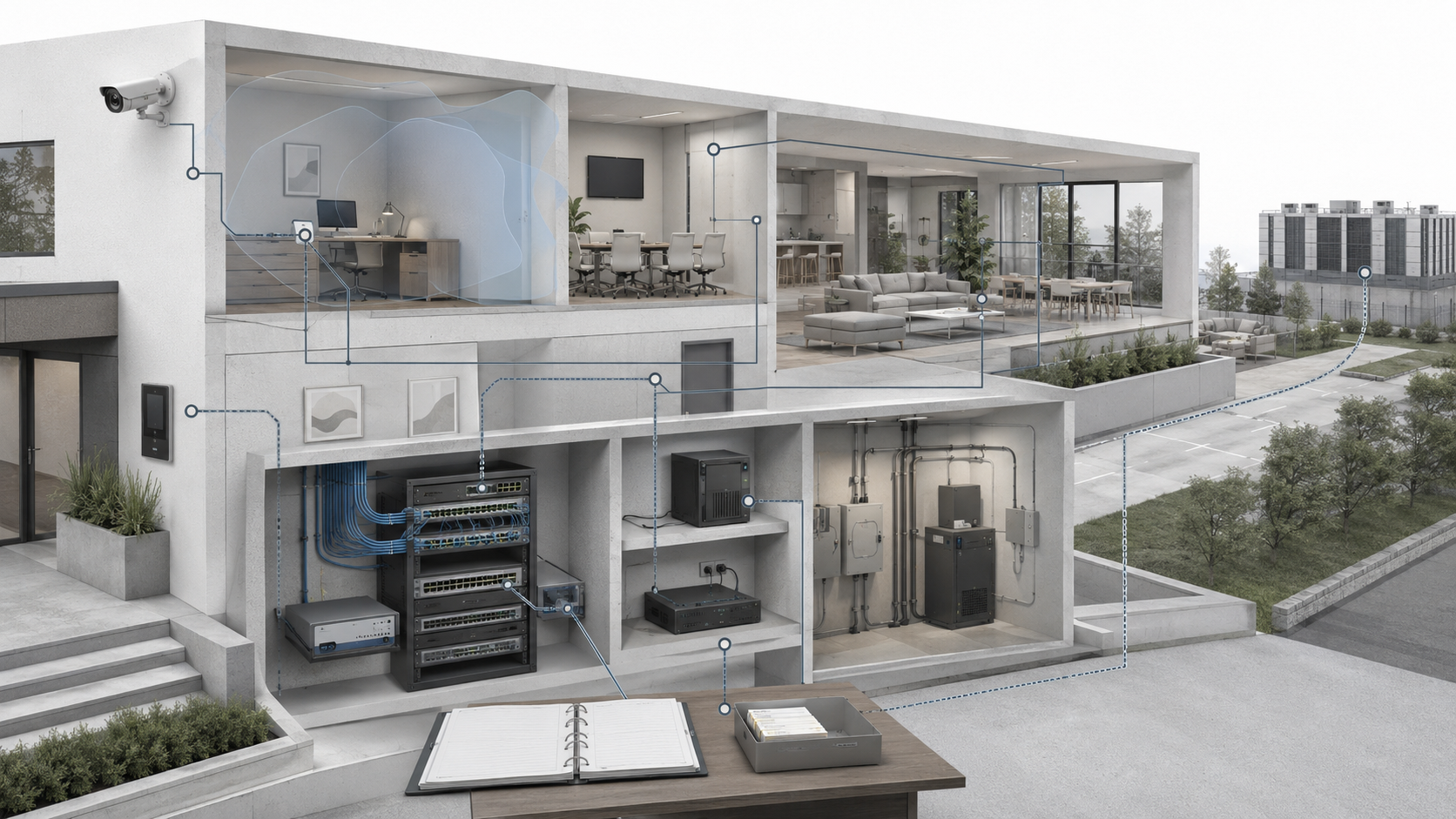
07 Mistake: Accepting Vendor Dependency Without an Exit Plan
Integrated ecosystems can offer valuable benefits: unified management, simpler deployment, coordinated updates, and a consistent support experience. Vendor lock-in is therefore not automatically a design failure.
The risk appears when the property does not understand:
- Who owns the hardware, accounts, configurations, and data
- Which functions require recurring subscriptions
- Whether another qualified provider can support the system
- Which components are proprietary
- How data and configurations can be exported
- What remains functional during cloud or vendor outages
- How unsupported products will be replaced
- What transition assistance the contract provides
A mixed-vendor environment is not automatically more flexible. It can introduce interoperability, documentation, and coordination challenges. The objective is intentional independence where it matters, not fragmentation for its own sake.
Passive infrastructure—pathways, cabling, racks, power, and spaces—should remain reusable where practical. Preserving that foundation can reduce the cost of changing active systems later.
See Vendor Lock-In Problems in Residential Infrastructure for a deeper evaluation framework.
08 Mistake: Treating Retrofitting as Equipment Replacement
Older properties may lack suitable pathways, telecommunications rooms, power, cooling, mounting locations, or structured cabling. Replacing a router or adding cameras does not correct those physical constraints.
A retrofit survey should evaluate:
- Existing conduit, sleeves, risers, and cable routes
- Construction materials and structural restrictions
- Fire-rated assemblies and penetration requirements
- Potential hazardous-material concerns requiring qualified assessment
- Electrical and environmental capacity
- Equipment-room access and security
- Occupied-space scheduling and restoration
- Aesthetic, accessibility, and historic-property constraints
- Opportunities for phased improvements
Surface pathways, wireless bridges, mesh systems, local enclosures, and other retrofit techniques can be legitimate solutions when selected intentionally. They become liabilities when installed as undocumented temporary workarounds.
A successful retrofit often begins by improving pathways, rooms, power, and documentation before replacing every endpoint. It should also leave the next upgrade easier than the current one.
The specialist guide Retrofitting Technology Into Buildings That Were Never Planned Correctly examines this process in detail.
09 Mistake: Leaving Operational Ownership Undefined
Technology can be installed correctly and still become unmanageable when no one owns its lifecycle.
Operational responsibility should identify who:
- Receives and responds to alerts
- Maintains diagrams and inventories
- Approves infrastructure changes
- Coordinates vendors
- Reviews administrative and remote access
- Maintains configurations and backups
- Tracks licenses, subscriptions, and warranties
- Tests failover and recovery procedures
- Plans equipment replacement
- Communicates during incidents
Ownership does not require a large internal IT department. It requires an accountable role with enough authority, documentation, and technical support to manage the complete environment.
Short-term cost decisions should also be evaluated through lifecycle impact. Lower-cost equipment may be entirely appropriate when it meets the property’s requirements. A low initial price becomes expensive when it produces repeated labor, unsupported operation, premature replacement, or a difficult migration.
Modern Property Infrastructure Review Checklist
- Map critical services and their complete dependency paths
- Inspect pathways, cabling, equipment spaces, power, and environmental conditions
- Verify that Wi-Fi placement follows coverage, capacity, and mobility requirements
- Document port, PoE, uplink, storage, licensing, and pathway headroom
- Maintain current diagrams, inventories, configurations, and ownership records
- Store administrative credentials through an approved secure system
- Identify shared failure domains and test realistic outage scenarios
- Review vendor ownership, subscriptions, portability, and exit requirements
- Plan retrofits around the building rather than only the replacement equipment
- Assign approval, monitoring, maintenance, incident, and recovery responsibilities
- Evaluate project decisions through lifecycle cost and operational burden
- Record temporary fixes with an owner, review date, and removal plan
The recurring lesson across modern property infrastructure is that small decisions compound. Poor placement increases complaints. Missing documentation increases recovery time. Limited pathways increase retrofit cost. Vendor dependency reduces flexibility. Undefined ownership allows every other weakness to persist.
The strongest environments are not necessarily the most complex. They are understandable, serviceable, appropriately resilient, and adaptable. Their physical infrastructure supports change, their technology has clear boundaries, and their operational processes survive vendor and staff transitions.
The next article focuses on one of the most visible examples of a planning decision becoming a long-term performance problem: Why Poor Access Point Placement Still Ruins Expensive Wi-Fi Deployments.